Heroku helped define what Platform as a Service (PaaS) could be. Instead of provisioning servers, configuring networking, and managing storage, developers got a ready-made environment where they could write code, deploy it, and scale as traffic grew. Push your code, and it’s running in production within minutes—no server setup required. For years, that simplicity made Heroku the default choice for teams that wanted to focus on their applications, not their infrastructure.
But in February 2026, Heroku announced it’s transitioning to a “sustaining engineering model” — shifting its focus to stability, security, and reliability rather than building new features. Existing customers can keep using the platform as-is, but Heroku is no longer offering Enterprise Account contracts to new customers, and Salesforce is redirecting its product and engineering investment elsewhere. Heroku isn’t disappearing, but for teams actively building and shipping software, a platform that’s no longer actively evolving may not be the best long-term fit.
The good news: the PaaS space has matured significantly since Heroku first set the bar. Platforms like DigitalOcean App Platform offer their own approaches to developer experience, pricing, and scaling — many of them purpose-built for the kinds of workloads modern teams are running today. Depending on your stack, budget, and workflow preferences, one of these Heroku alternatives might be a better fit. Read on for a breakdown of the top options to help you find the right platform for how you actually build and ship software.
Ready to move off Heroku? DigitalOcean is offering three months free for new workloads, and for migrations exceeding $2,500 in projected spend, direct assistance from our Solution Architects and trusted partners to guide you from planning through cutover. Check out our Heroku migration guide or get in touch to start your migration.
Key takeaways:
-
PaaS platforms simplify app delivery by abstracting infrastructure so teams can deploy, scale, and operate applications with fewer operational dependencies.
-
Developers choose PaaS when they want fast deployment, predictable operations, and managed services that support APIs and application architectures.
-
Important decision factors include pricing transparency, language support, scaling model, ecosystem depth, and operational control.
-
The top Heroku alternatives include DigitalOcean App Platform, Render, Fly.io, Upsun, Vercel, Netlify, AWS Elastic Beanstalk, Google Cloud App Engine, Microsoft Azure App Service, Coolify, and Dokku.
What is Heroku?
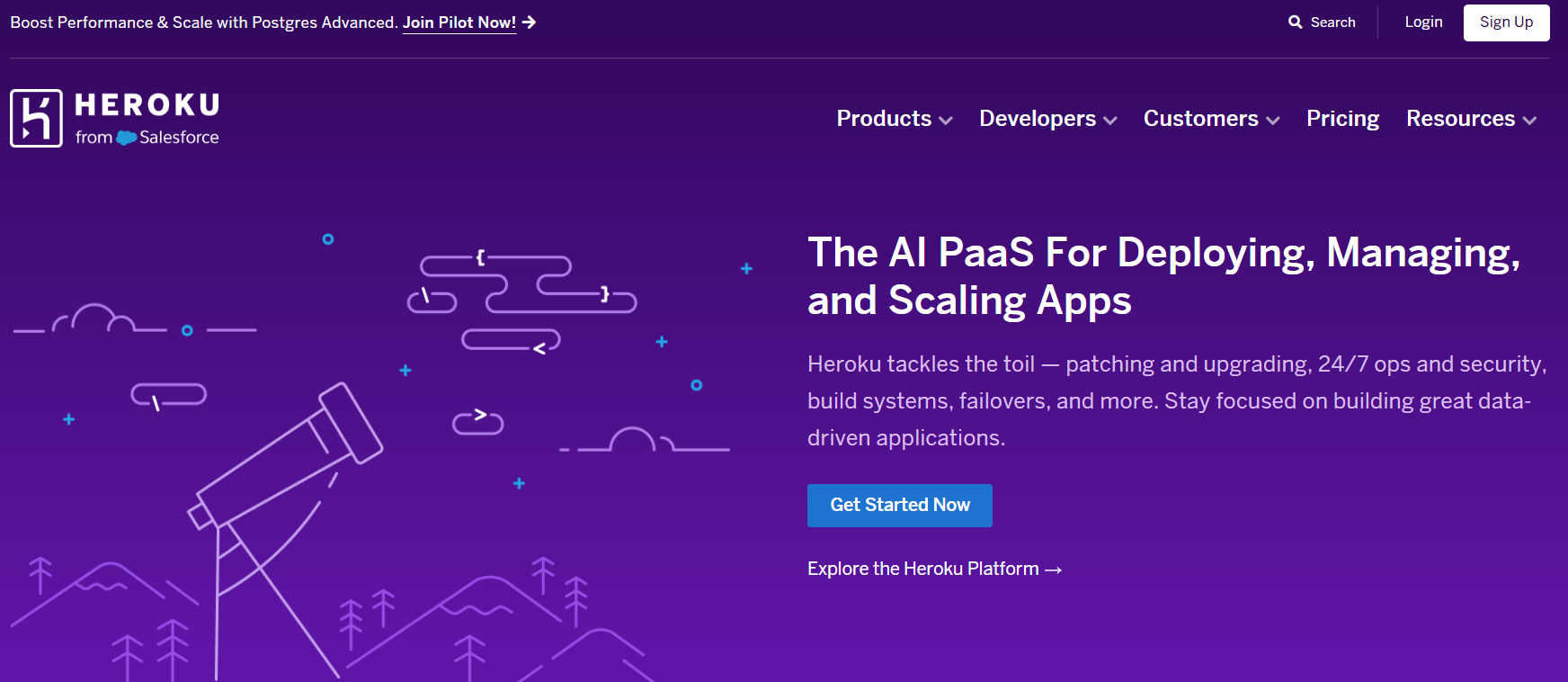
Heroku was founded in 2007 and initially built to support applications written in Ruby and compatible with the Rack framework. In 2010, Heroku was acquired by Salesforce for approximately $212 million. Today, Heroku is a fully managed platform as a service (PaaS) for teams to deploy, manage, and scale applications. It supports Node.js, Ruby, Java, PHP, Python, Go, Scala, Clojure, and .NET.
Some developers have criticized Heroku for limited customization options, higher costs at scale, and reduced control over infrastructure. Others have suggested that innovation slowed after the Salesforce acquisition. The platform has made strides in offering AI features that include Heroku Managed Inference and Agents, Model Context Protocol (MCP) support, and pgvector for Heroku Postgres to build AI applications, agents, and RAG workflows. However, in February 2026, Heroku announced it would be moving into a maintenance-focused phase, prioritizing operational stability over new feature development and closing Enterprise Account contracts to new customers.
Heroku key features:
-
Heroku Dynos are lightweight, isolated containers that run application code and dependencies.
-
Offers Managed Apache Kafka service for event-driven architectures, microservices, and data pipelines.
-
Provides bi-directional data synchronization between Heroku Postgres and Salesforce organizations.
-
Adds security, compliance, and governance features like identity federation, private spaces, and fine-grained access control.
-
Supports team-based workflows with role-based permissions and centralized billing.
-
Dynos - Starts at $5/month with 0.5 GB RAM, 1x-4x Compute
-
Heroku Data Services database - Key-Value Store plan starts at $3/month with 25 MB RAM.
-
Heroku Managed Inference Agents - Starts at $0.06 per 1M tokens.
Heroku’s pure PaaS model prioritizes simplicity, but that convenience might come with trade-offs like higher costs at scale, limited infrastructure control, and tighter vendor lock-in within the Salesforce ecosystem. If you need clearer pricing and more flexible scaling options, read our guide to DigitalOcean vs Heroku.
Benefits of PaaS providers
PaaS exists so developers can stay developers instead of becoming part-time sysadmins. For startups and digital native enterprises, PaaS offers advantages that directly impact development velocity and reliability:
-
Faster application delivery: Deploy applications quickly using built-in runtimes, pipelines, and automation. This helps the team move from development to production without manual setup delays.
-
Lower operational overhead: Compared to a Cloud VPS, PaaS reduces the effort required to keep infrastructure running by handling server provisioning, OS updates, and security, so your team spends less time on maintenance.
-
Strong developer experience: Simplify workflows through Git-based deployments and consistent tooling. This makes it easier to focus on application logic rather than environment management.
-
Language and framework flexibility: Build applications using common stacks and using a framework for web development that doesn’t require complex configuration. Whether you’re working in Rails, Django, Node.js, or something else entirely, PaaS platforms typically support your stack with minimal setup.
-
Built-in scalability and managed services: Your application scales automatically when built using managed databases and integrations. This makes PaaS a practical, managed web hosting solution for teams that want simplicity without sacrificing growth potential.
Ping Proxies scales its globally distributed proxy platform using DigitalOcean App Platform to deliver low-latency APIs across Europe, the US, and Asia. By relying on managed infrastructure and regional database replicas, the team expands quickly while maintaining performance and predictable costs.
Top factors to consider when choosing a Heroku alternative
Choosing the right cloud platform depends on how much control, flexibility, and operational effort your team is willing to take on. Whether you’re evaluating PaaS alternatives to Heroku or Heroku alternatives for startups for simplicity or exploring deeper customization, the following factors should help you compare options objectively:
-
Ease of deployment: Look for platforms that support fast, repeatable deployments through Git-based workflows or CI/CD pipelines.
-
Pricing transparency and predictability: Evaluate how clearly costs are communicated and whether usage-based pricing can scale predictably. Many developer-focused Heroku alternatives trade convenience for lower costs, but require closer monitoring as usage grows.
-
Language support: Ensure the platform supports your application stack without the need for heavy customization. Native support for common languages like Node.js, Python, Ruby, Java, and PHP reduces setup complexity and ongoing maintenance.
-
Add-ons and ecosystem: Consider the availability of managed databases, caching, messaging, and monitoring tools. Compare platforms-provided tools for scaling applications. Some teams prefer open source Heroku alternatives, while others value pre-integrated services for faster setup.
-
Operational control and flexibility: Decide how much control you need over infrastructure, networking, and runtime behavior. Self-hosted Heroku alternatives usually offer greater customization, while fully managed platforms reduce operational overhead.
DigitalOcean App Platform abstracts the complexities of infrastructure management, so you can focus on writing and deploying your code efficiently. Develop and scale applications easily with key features like automated deployments, built-in load balancing, and integration with DigitalOcean’s products.
11 Heroku alternatives for cloud deployment
Heroku is far from the only PaaS option on the market—explore top alternatives in terms of their flexibility, pricing models, and operational controls in tandem with the needs of your organization.
Note: Pricing and feature information in this article are based on publicly available documentation as of February 2026 and may vary by region and workload. For the most current pricing and availability, please refer to each provider’s official documentation.
*This “best for” information reflects an opinion based solely on publicly available third-party commentary and user experiences shared in public forums. It does not constitute verified facts, comprehensive data, or a definitive assessment of the service.
| Solution | Best for* | Key features | Pricing |
|---|---|---|---|
| Heroku | Simple app deployment with minimal ops | Fully managed Dynos, add-ons, Git-based deploys | $5/month |
| DigitalOcean App Platform | Digital native enterprises and AI startups | Git-based deploys, autoscaling, managed services like DigitalOcean Kubernetes (DOKS) to fully manage the control plane | $5/month |
| Render | Full-stack apps with preview environments | Preview environments, managed services, Docker support | $19/month |
| Fly.io | Low latency, globally distributed apps | Hardware-isolated sandboxes, global Anycast networking | $1.94/month |
| Upsun | Teams that need releases with environment cloning | Git-driven workflows, instant environment clones | $10/month |
| Vercel | Frontend and Jamstack apps | Framework-optimized deploys, serverless compute | $20/month |
| Netlify | Web and edge applications with fast iteration | Deploy previews, serverless functions, and edge network | $9/month |
| AWS Elastic Beanstalk | Apps tightly integrated with AWS | Automated provisioning, AWS service integration | Pay for AWS resources |
| Google App Engine | Scalable web apps on Google Cloud | Fully managed runtime, standard, and flexible environments | ~$0.0579/hr |
| Azure App Service | Enterprise-grade web apps in the Microsoft ecosystem | CI/CD, autoscaling, enterprise security | $13.14/month |
| Coolify | Self-hosted, open-source PaaS | Git push deploys, multi-server control | $5/month |
| Dokku | Lightweight, single-host PaaS | Heroku buildpacks, Docker-based | One-time cost of $849 |
Specialized PaaS providers
These providers focus on deployment models and developer workflows. They are popular for their simpler pricing, scaling, and environment management.
🎥 Heroku to App Platform: Want to see what the migration looks like before you start planning? Our video covers deploying static sites, dynamic apps with environment variables, managed databases, and serverless functions on App Platform—from repo connection to live URL.
1. DigitalOcean App Platform for digital native enterprises and AI startups

DigitalOcean App Platform is a PaaS that simplifies app deployment and management, built on the same Cloud Native Buildpack model that made Heroku successful. Applications that rely on Procfiles, environment variables, and buildpack-based deployment models generally run on App Platform with minimal code changes—and DigitalOcean has been helping teams migrate off Heroku since 2022. The platform supports smart autoscaling with various programming languages and is used for deploying web applications, APIs, and static sites.
DigitalOcean App Platform’s SLA guarantees 99.95% monthly uptime, with service credits ranging from 10% to 100% of monthly charges if uptime falls below that threshold. Recent platform investments include native Bun runtime support, cron jobs, environment tagging with app cloning, outbound VPC integration, and MCP server deployment for AI workflows. Beyond PaaS, DigitalOcean also offers integrated IaaS and SaaS products for developers to combine managed platforms with virtual machines, storage, and databases to support more complex application needs.
For teams building AI applications, DigitalOcean’s Gradient™ provides GPU Droplets for training and inference alongside the Gradient™ AI Platform for serverless model access and agent development.
To support teams migrating from Heroku, DigitalOcean is offering three months free for new workloads and, for migrations exceeding $2,500 in projected spend, direct assistance from Solution Architects and trusted partners.
DigitalOcean App Platform key features:
-
Supports popular languages and frameworks that include Node.js, Python, Django, Go, PHP, and static sites.
-
Integrates with GitHub and GitLab for automated deployments directly from repositories.
-
Secure connections to third-party databases, APIs, and SaaS programs can be established using dedicated IPs for IP whitelisting and traffic control.
DigitalOcean App Platform pricing:
-
Free Tier - Supports up to three static sites with 1GiB data transfer per app, Global CDN, and DDoS mitigation.
-
Paid Tier - Starts at $5 per month with high-end options like deployment from container registries, horizontal and vertical scaling, and CPU-based autoscaling.
2. Render
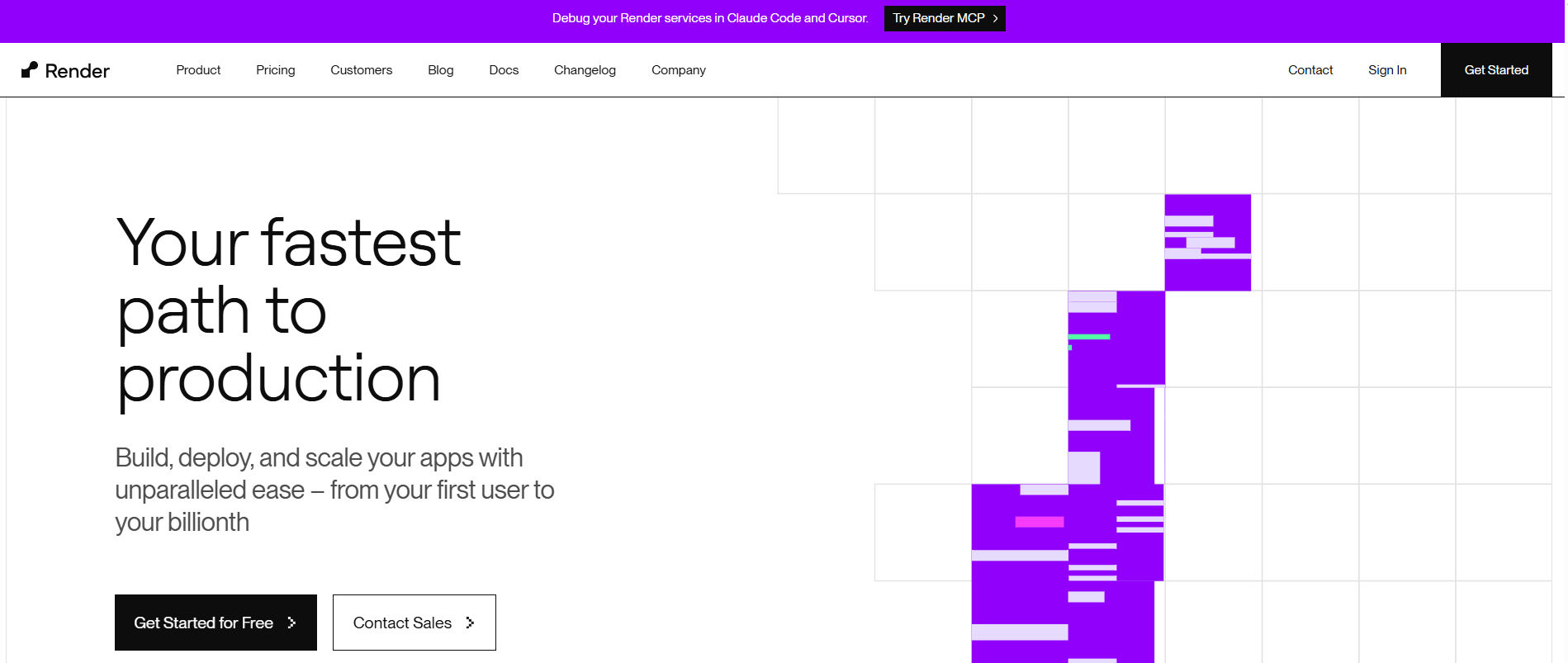
Render is a cloud service platform that simplifies and automates the deployment and scaling of web applications and services. It provides project management capabilities so developers can logically group services by setting up production, staging, and other environments within a single project. Render facilitates collaboration with its preview environments feature, where teams can test pull requests in isolated instances or replicate entire production environments for thorough testing.
Render key features:
-
Provides cron jobs, automated scaling, seamless integration with popular Git repositories for continuous deployment, Docker containers, and built-in support for modern frameworks and languages like Node.js, Python, and Ruby.
-
Improves team communication and awareness by integrating platform notifications with Slack, delivering deployment activities and service status updates in real time.
-
Helps ensure data security and compliance with full GDPR and SOC 2 Type II certifications, prioritizing privacy measures for both internal data management and customer data protection.
-
Hobby - $0 with separate costs for computing resources.
-
Professional - $19/month plus compute costs. All Hobby features, 500 GB of bandwidth, collaborate with 10 team members, unlimited projects & environments, private link connections, isolated environments, and chat support.
-
Organization - $29/month with compute costs. Everything in Professional, 1 TB of bandwidth, unlimited team members, audit logs, SOC 2 Type II certificate, ISO 27001 certificate.
-
Enterprise - Custom pricing. All Organization features, centralized team management, guest users, SAML SSO & SCIM, guaranteed uptime, premium support, and customer success.
Outgrowing Render’s simplicity? Explore Render alternatives that offer different trade-offs for deployment models and cost control to better match your application requirements.
3. Fly.io
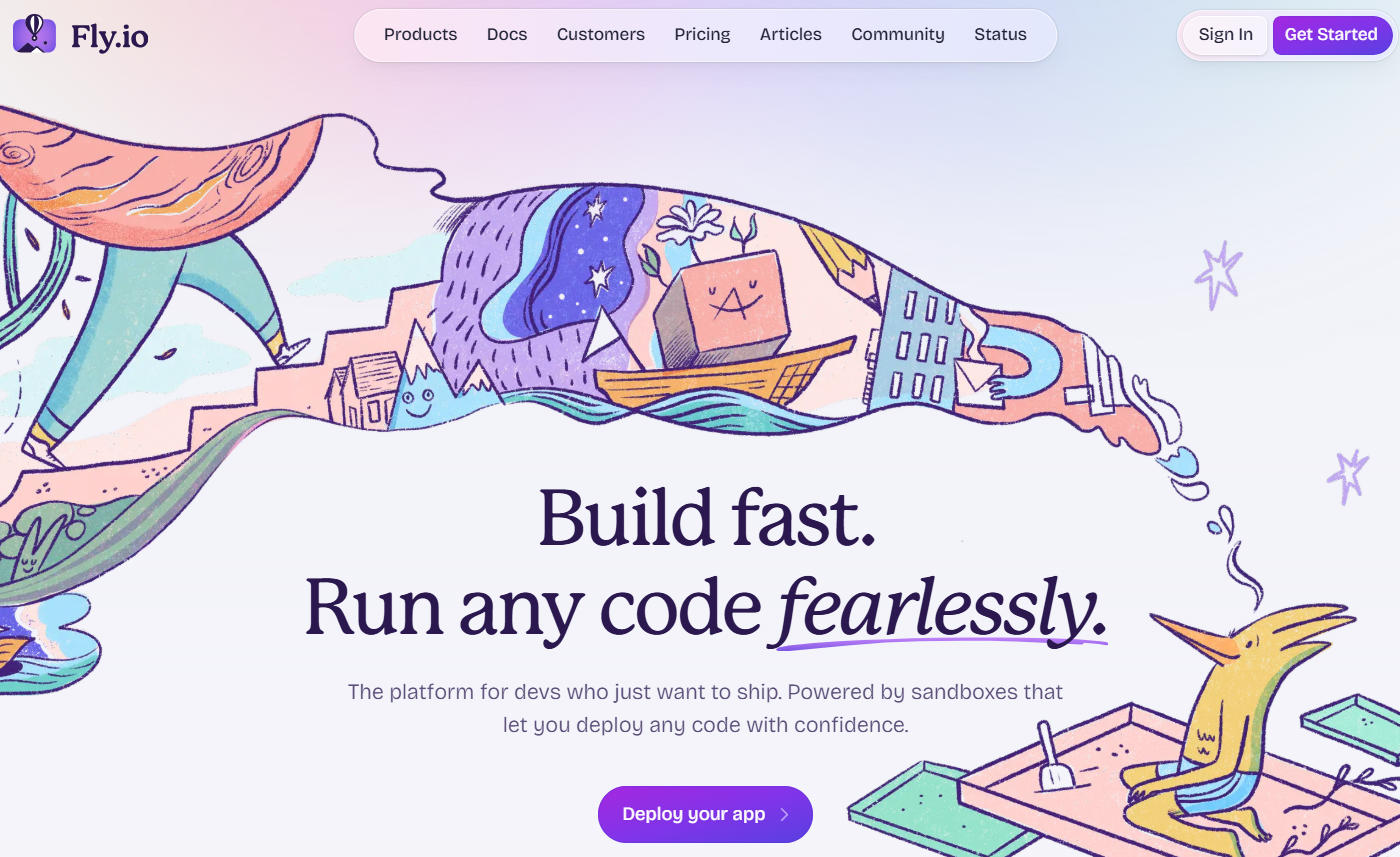
Fly.io is a scalable public cloud infrastructure platform to globally deploy and run app servers. It uses hardware-virtualized containers that start quickly and run only when needed. The platform is SOC2 compliant and supports memory-safe programming environments and custom VM configurations. It also supports running untrusted or AI-generated code in isolated sandboxes, with built-in private networking and persistent storage options.
Fly.io key features:
-
Fly Machines enable servers to boot as quickly as serverless functions, moving users to a full-stack cloud environment and providing greater control over their stack and hosting costs.
-
Offers automatic scaling and zero-configuration secure networking with global Anycast support, which helps secure and improve the responsiveness of applications.
-
Globally distributed databases, persistent storage with automated backups, and Postgres cluster management.
Fly.io provides several pricing tiers:
-
Pay as You Go - $1.94/month with 1 shared CPU, 256MB RAM.
-
Standard - $29/month with 36-hour first response time, technical architecture support.
-
Premium - $199/month with 24-hour first response time, 1-hour first response time for urgent issues, dedicated Slack support channel.
-
Enterprise - $2,500+/month with 4-hour first response time, 24x7, 15-minute emergency first response time, 24x7 dedicated Slack support channel.
4. Upsun
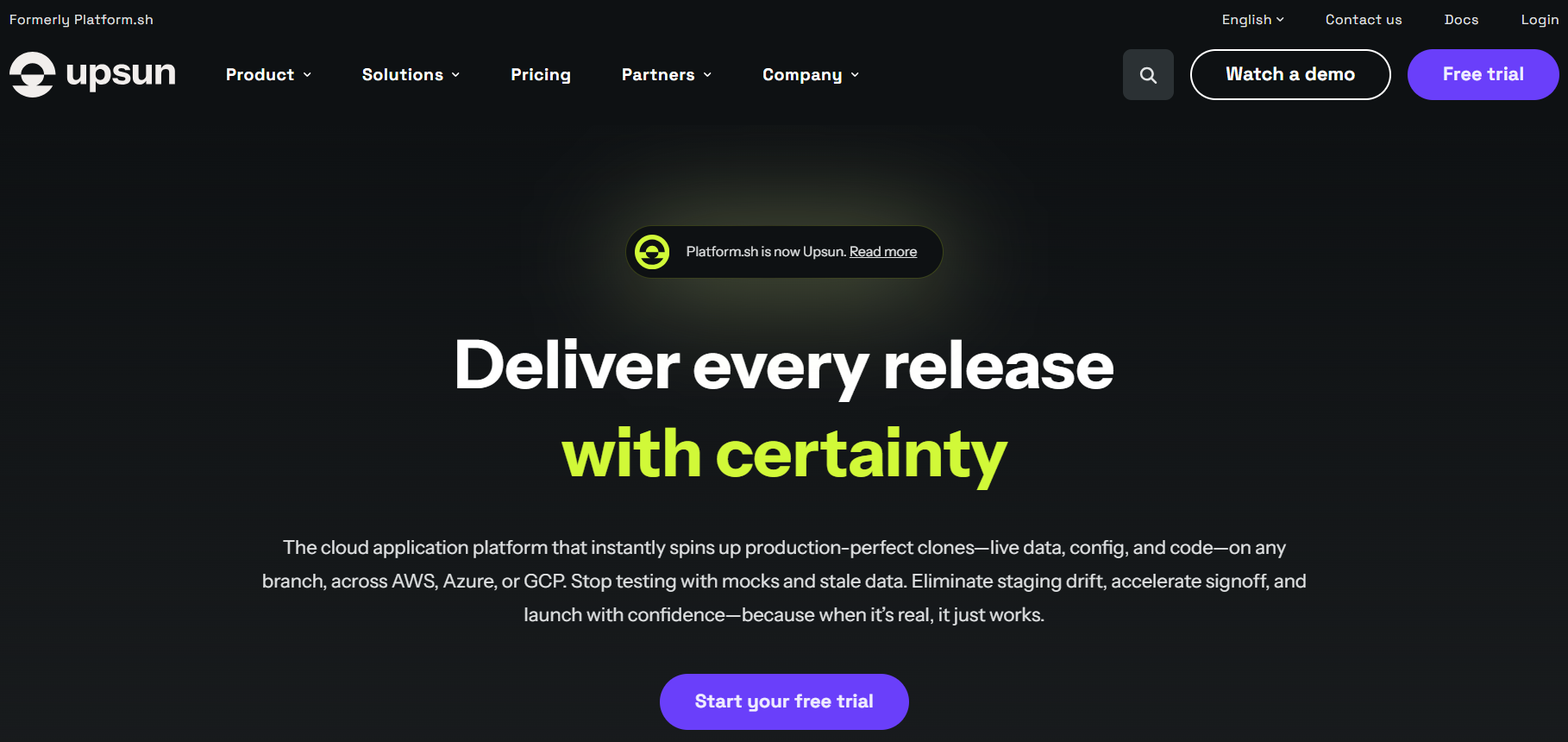
Upsun, formerly Platform.sh, is a cloud application platform for development teams to ship products. Upsun focuses on creating environment clones for teams to test code, configuration, and real data together before release. It supports multi-cloud deployments across AWS, Azure, and Google Cloud. Its Git-driven workflows and automated infrastructure help reduce deployment risk while improving collaboration and delivery speed.
Upsun key features:
-
Instant preview environments with real data support automatically cloning production environments, including code, configuration, and data, for every branch or pull request.
-
Built-in security and compliance provide automated security features such as SOC 2 Type 2 and PCI DSS Level 1 compliance, along with backups and access controls.
-
Flexible scaling and observability support horizontal and vertical scaling with integrated monitoring and application performance insights to optimize reliability and cost.
-
User license - $10/month. Access to the Upsun platform with core user management features, such as role-based access and permissions.
-
Project fee - $9 per project/month. Compute resources price starts at €0.033 per hour for shared CPU to create and manage application environments, on-demand preview environments, and basic infrastructure metrics.
Platform.sh is a part of OVHcloud’s PaaS infrastructure. Check out OVHcloud alternatives for simpler tooling and predictable costs that scale more across regions.
5. Vercel
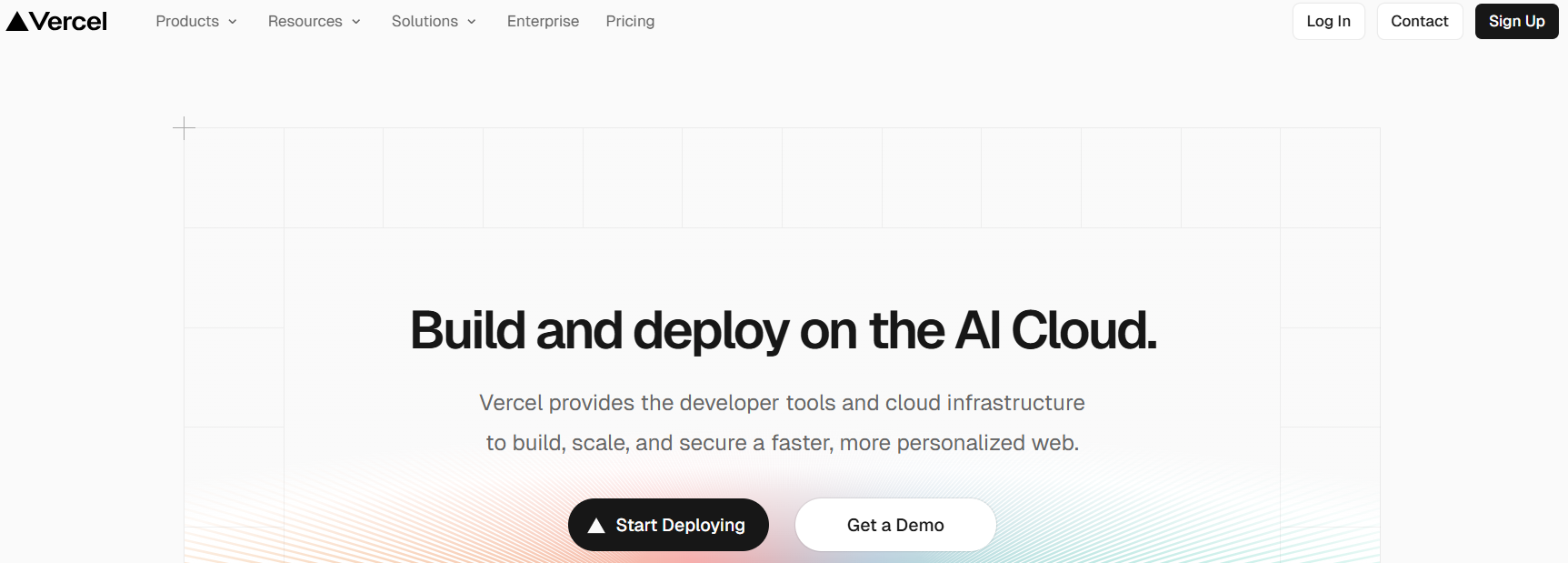
Vercel is a cloud platform for building, deploying, and scaling applications. The company is also behind Next.js, the widely adopted React framework, and v0, a generative AI tool for building UI components. It combines developer tooling with globally distributed infrastructure to deliver personalized web experiences. The platform is commonly used for frontend-heavy workloads, deploying Jamstack applications, and multi-tenant web platforms. Vercel abstracts infrastructure concerns so teams can deploy from Git and make applications available worldwide.
Vercel key features:
-
Automatically provisions and optimizes infrastructure based on the application framework, including Next.js, React, Vue, or Svelte.
-
Runs workloads using a serverless compute model with global availability and usage-based execution.
-
Includes an AI Gateway, SDKs, and observability tools to build, deploy, and monitor applications.
-
Hobby - $0. Git-based deployments, automatic CI/CD, global CDN, fluid compute, DDoS mitigation, traffic insights, and a web application firewall for personal projects.
-
Pro - $20/month with additional usage-based charges. Adds $20 of included usage credit, advanced spend management, team collaboration, faster builds with no queues, cold start prevention, and access to enterprise add-ons.
-
Enterprise - Custom pricing. Advanced access controls, SCIM and directory sync, managed WAF rulesets, multi-region compute with failover, a 99.99% SLA, and advanced support.
Like Git-based workflows and fast previews, but need more flexibility, cost control, or backend support? Explore Vercel alternatives to find the right balance between serverless simplicity and container-based control.
6. Netlify
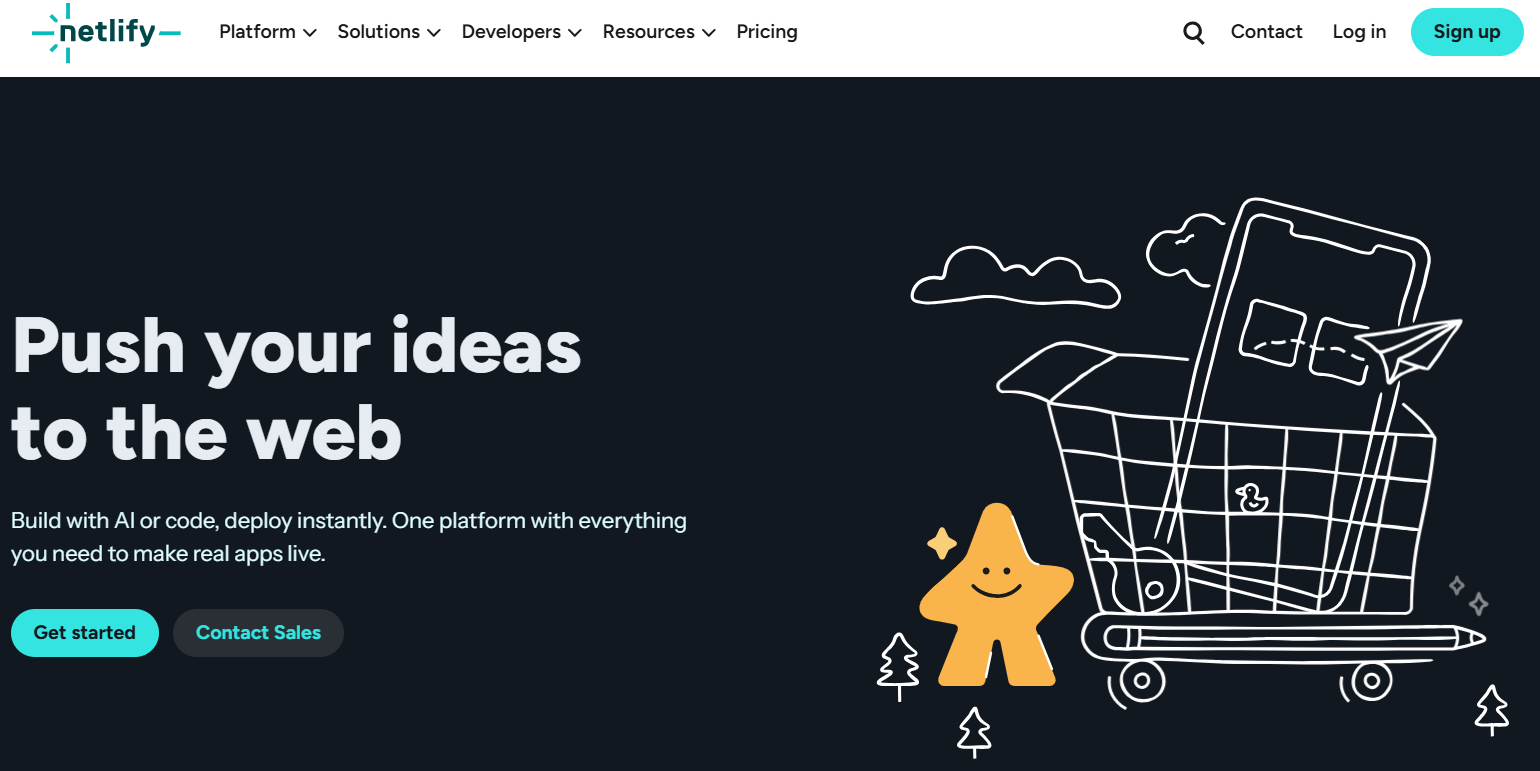
Netlify is a web application platform to help teams build, deploy, and scale apps with minimal operational overhead. It helps developers deploy directly from Git repositories or AI-assisted tools. The platform brings frontend, backend, and edge capabilities together, which makes it suitable for going live with marketing sites and AI applications. Netlify focuses on fast iteration, built-in scalability, and managed security.
Netlify key features:
-
Automatically generate shareable preview URLs for every change to support reviews and collaboration before production releases.
-
Uses serverless compute to run backend logic with functions and manage application data using integrated storage services.
-
Deliver content and custom logic closer to users worldwide with a global edge network.
Using Netlify? The DigitalOcean Netlify Extension connects your Netlify sites directly to DigitalOcean Managed MongoDB. Install the extension through the Netlify console, add your connection string, and your database is available via Netlify Functions.
-
Free - $0/month. Framework-agnostic deployments from Git, AI, or API, unlimited deploy previews, functions, AI models, basic security controls, and 300 credits/month.
-
Personal - $9/month. Adds smart secret detection, 7-day analytics and metrics, priority email support, and 1,000 credits/month for real traffic workloads.
-
Pro - $20/month. Private organization repos, shared environment variables, 3+ concurrent builds, 30-day analytics and metrics, and 3,000 credits/month for team collaboration.
-
Enterprise - Custom pricing. Provides a 99.99% SLA, enterprise network tier, high-performance builds, SSO and SCIM, log drains, organization management, and 24/7 dedicated support.
Build a production-ready Jamstack app with Netlify for frontend hosting with DigitalOcean Managed MongoDB.
Hyperscaler alternatives
Major cloud providers, such as AWS, Google Cloud Platform (GCP), and Azure (hyperscalers), offer PaaS solutions. In addition to PaaS, hyperscalers offer fully managed services, analytics, and AI workflows. While they enable use of services within the same ecosystem, organizations should be mindful of potential vendor lock-in and the need to align their application architecture and deployment practices with the specific requirements of the hyperscaler PaaS platform they choose to adopt.
7. AWS Elastic Beanstalk
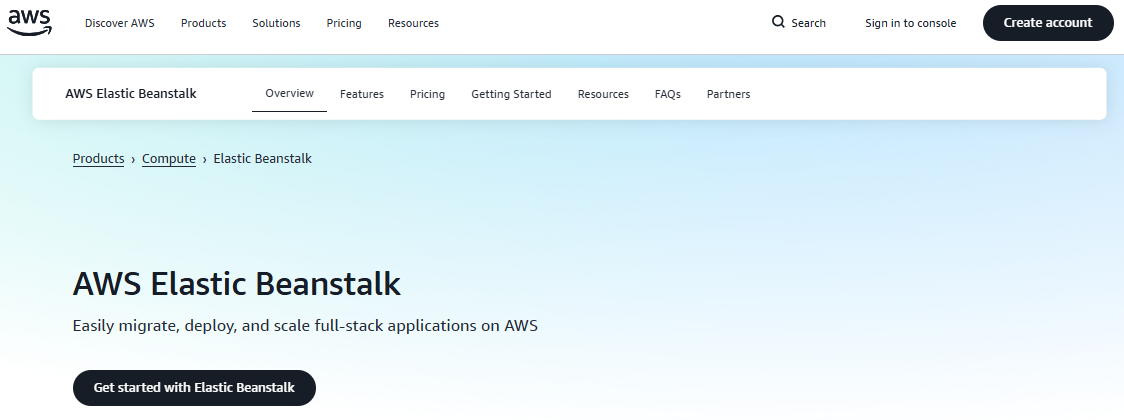
AWS Elastic Beanstalk is a cloud orchestration platform from Amazon Web Services (AWS) that provides a platform for deploying and managing applications. Elastic Beanstalk supports programming languages like Java, .NET, Node.js, PHP, Ruby, Python, Go, and Docker. Although AWS Elastic Beanstalk simplifies the process of deploying applications within the AWS ecosystem, users who are unfamiliar with the extensive range of AWS services may find it challenging to navigate the broader complexity of the AWS platform.
AWS Elastic Beanstalk key features:
-
Automatically handles the provisioning, load balancing, and scaling of application resources based on demand to scale applications up or down as needed.
-
Provides built-in monitoring and logging capabilities, integrating with Amazon CloudWatch to give visibility into the health and performance of cloud applications.
-
Integrates with various developer tools, such as Git, Jenkins, and Docker, for a development and deployment workflow.
AWS Elastic Beanstalk pricing:
- There are no additional fees for using AWS Elastic Beanstalk. Users are billed only for the AWS resources their applications require, such as EC2 instances, storage, and data transfer.
Lost in AWS’s complexity? AWS pricing models and enterprise-focused tooling can catch smaller teams off guard. If you want dependable cloud hosting with transparent costs and a simpler experience, explore AWS alternatives.
8. Google App Engine
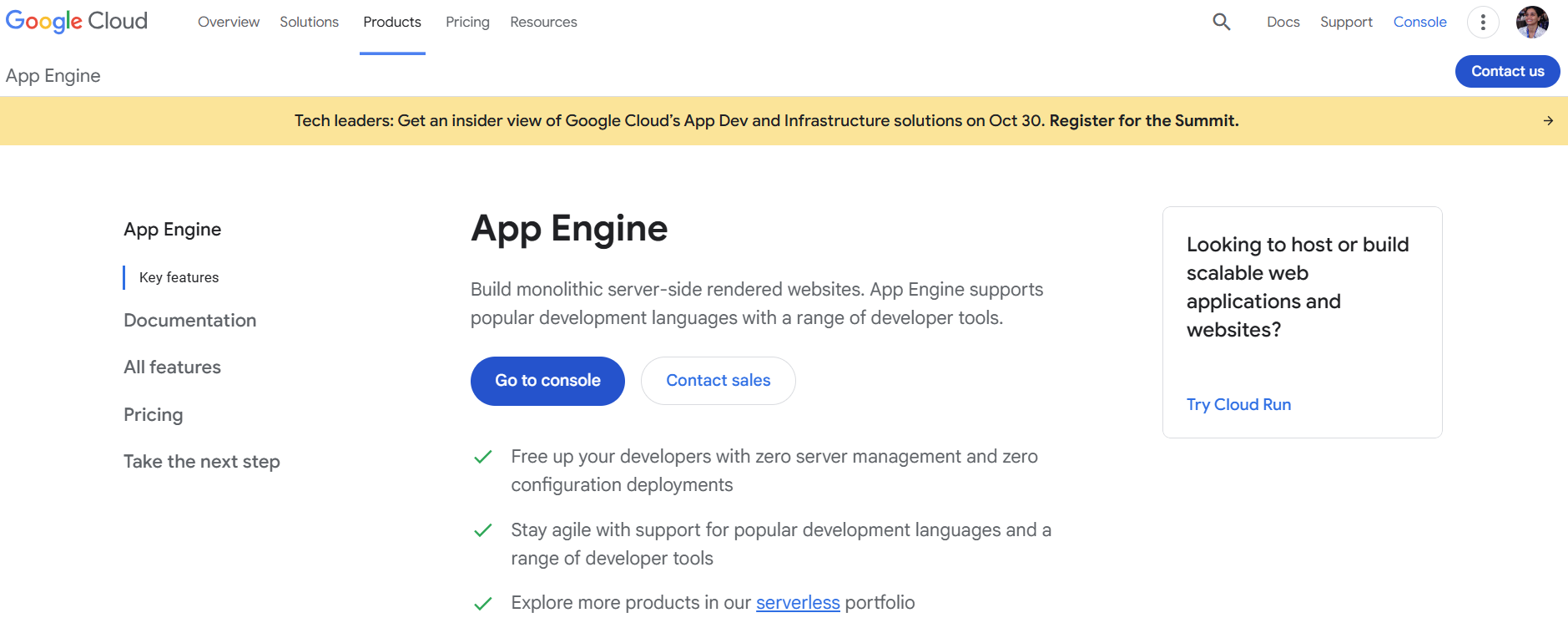
Google App Engine is a fully managed platform for building and hosting scalable web applications. App Engine integrates with the broader Google ecosystem to build monolithic, server-side-rendered websites. The platform offers both standard and flexible environments, giving teams options based on performance, customization, and runtime needs. App Engine comes with application diagnostics through Cloud Monitoring and Cloud Logging. It also supports application versioning to manage production environments.
Google App Engine key features:
-
Supports multiple runtime environments, including Node.js, Java, Ruby, C#, Go, Python, or PHP.
-
Integrates with Google Cloud’s ecosystem and monitors the health and performance of cloud applications.
-
Simplifies hosting different application versions for easy creation and management of development, testing, staging, and production environments.
-
Free tier - Applicable only to usage within the Standard Environment: 28 hours per day of F1 instances, 9 hours per day of B1 instances, 1 GB of outbound data transfer per day.
-
Outside of the free tier, pricing starts at $0.0579 per hour for B1 or F1 instances, which provide basic frontend or backend instance capacity. Outgoing network traffic starts at $0.139 per GB, while incoming traffic is free.
Google App Engine alternatives have expanded to include platforms with simpler workflows and more predictable costs. Teams often cite GCP’s steep learning curve and difficult-to-forecast pricing as reasons to explore other options.
9. Azure App Service
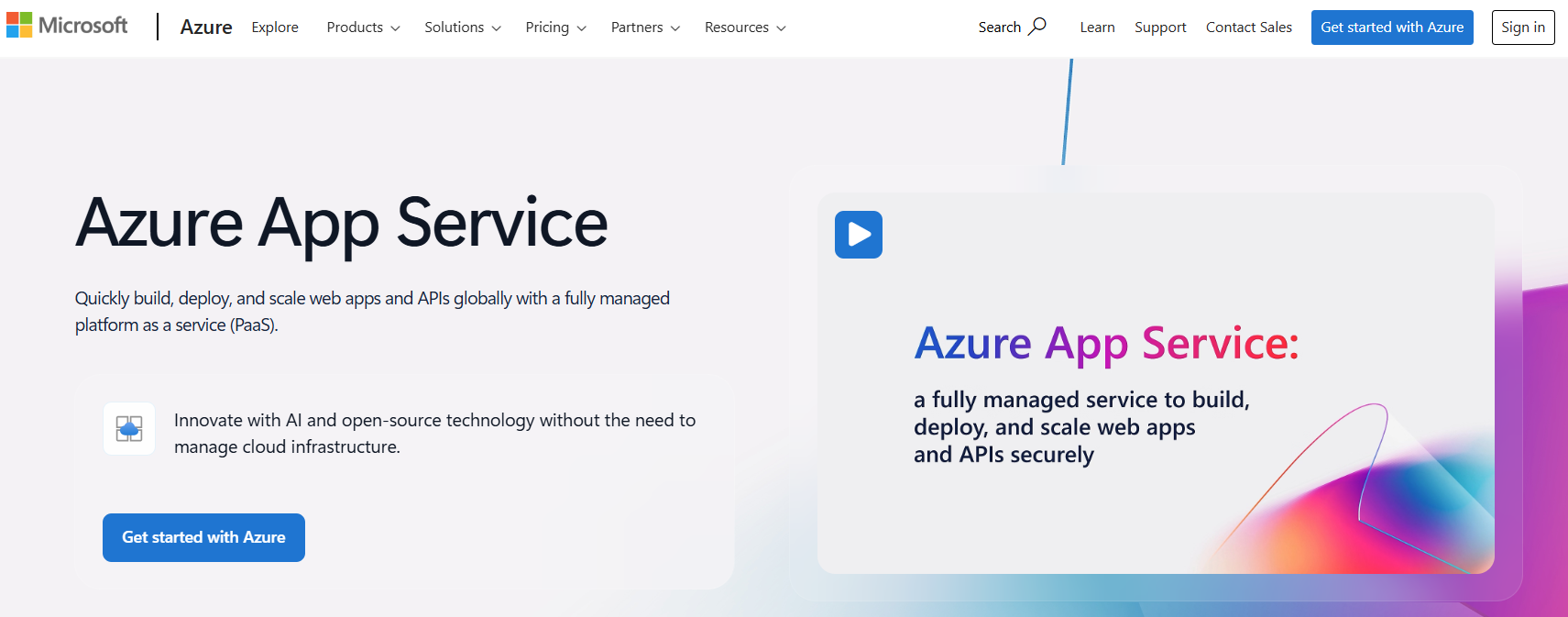
Azure App Service is a fully managed PaaS offering from Microsoft to build, deploy, and scale web apps and APIs. It supports programming languages like ASP.NET, ASP.NET Core, Java, Tomcat, JBoss EAP, Node.js, PHP, and Python. Azure App Service offers DevOps capabilities with continuous integration and deployment. Azure App Service’s integration with containers running on both Windows and Linux helps developers implement containerization techniques for their application deployments.
Microsoft Azure App Service key features:
-
Offers enterprise-grade security features, including VNet integration, SSL certificates, managed identity, and role-based access control (RBAC).
-
Supports single-tenant App Service Environments for applications that require network isolation and resource control.
-
Integration with other Azure services like Cosmos DB, API Management, and SQL Database
Microsoft Azure App Service pricing:
-
Free Plan - $0. Shared compute with 60 CPU minutes/day, 1 GB RAM, and 1 GB storage.
-
Basic Plan (B1) - $13.14/month with 1 core, 1.75 GB RAM, and 10 GB storage.
-
Premium v3 Plan (P0v3) - $62.05/month with 1 vCPU, 4 GB RAM, and 250 GB storage.
-
Premium v4 Plan (P0v4) - $65.55/month with 1 vCPU, 4 GB RAM, and 250 GB storage.
-
App Service Environment (Isolated v2 – I1v2) - $292.73/month with 2 cores, 8 GB RAM, and 1 TB storage.
Azure’s layered pricing model might make monthly costs hard to predict. If you’re looking to understand what contributes to high Azure bills, explore our detailed breakdown of Microsoft Azure pricing.
Open source alternatives
Open source PaaS solutions provide a flexible and cost-effective alternative to licensed cloud offerings. With these solutions, developers deploy and manage applications on their own with greater control and customization. However, this self-hosting approach also comes with the responsibility of maintaining the underlying server resources and scaling the platform as needed. When exploring open source PaaS options, consider factors such as the complexity of deployment and management, the availability of a plugin ecosystem, and the level of community support.
10. Coolify for self-hosted PaaS deployments
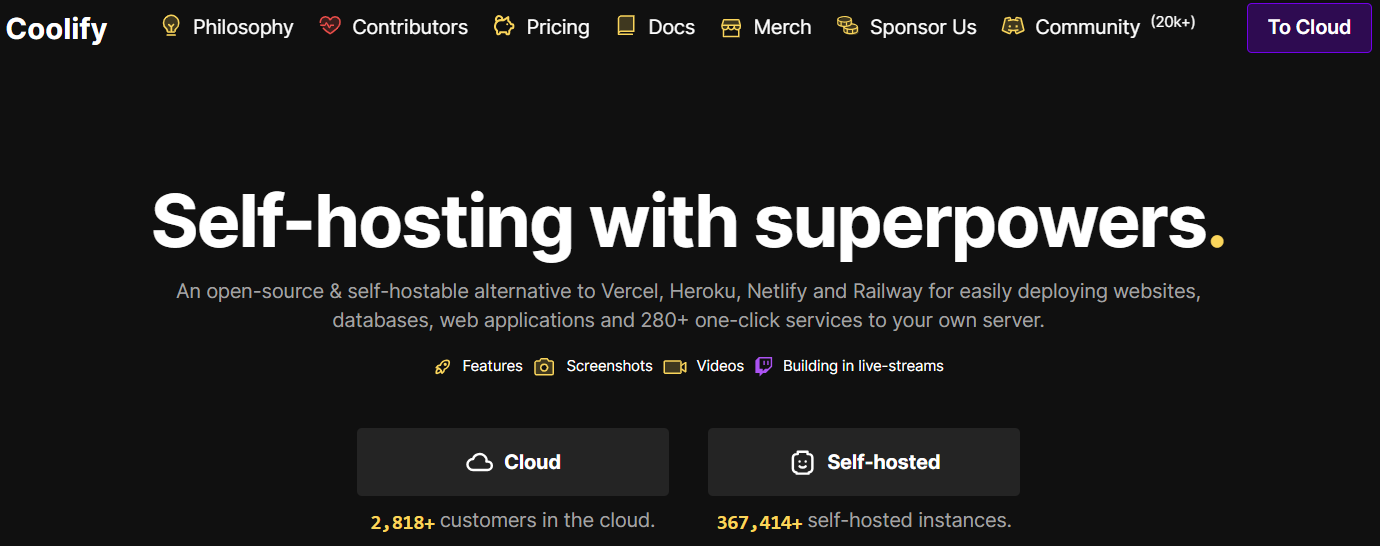
Coolify is an open source platform that offers a self-hostable alternative to services like Heroku. Users deploy resources to their own servers, VPS, or cloud providers such as DigitalOcean via SSH. It imparts security with automated Let’s Encrypt SSL certificate setup and storage of all settings on users’ servers. Additional features include automatic database backups, CI/CD webhook support, and monitoring capabilities with customizable notifications.
Coolify key features:
-
Flexible deployment options that deploy resources to a single server, multiple servers, or Docker clusters as needed.
-
Supports push-to-deploy with integration for hosted and self-hosted platforms like GitHub, GitLab, Bitbucket, and Gitea.
-
Automatically backs up data to any S3-compatible solution, enabling easy restoration if needed.
-
Free - $0/month. Includes full access to all features with no restrictions, automated or self-managed updates, community support, and all future features.
-
Cloud - $5/month for up to 2 servers, $3/month per additional server. Unlimited deployments per server, email alerts, and community, limited email support.
Learn how to deploy and manage applications with Coolify, a self-hosted, open-source PaaS that you can launch on your own infrastructure.
11. Dokku
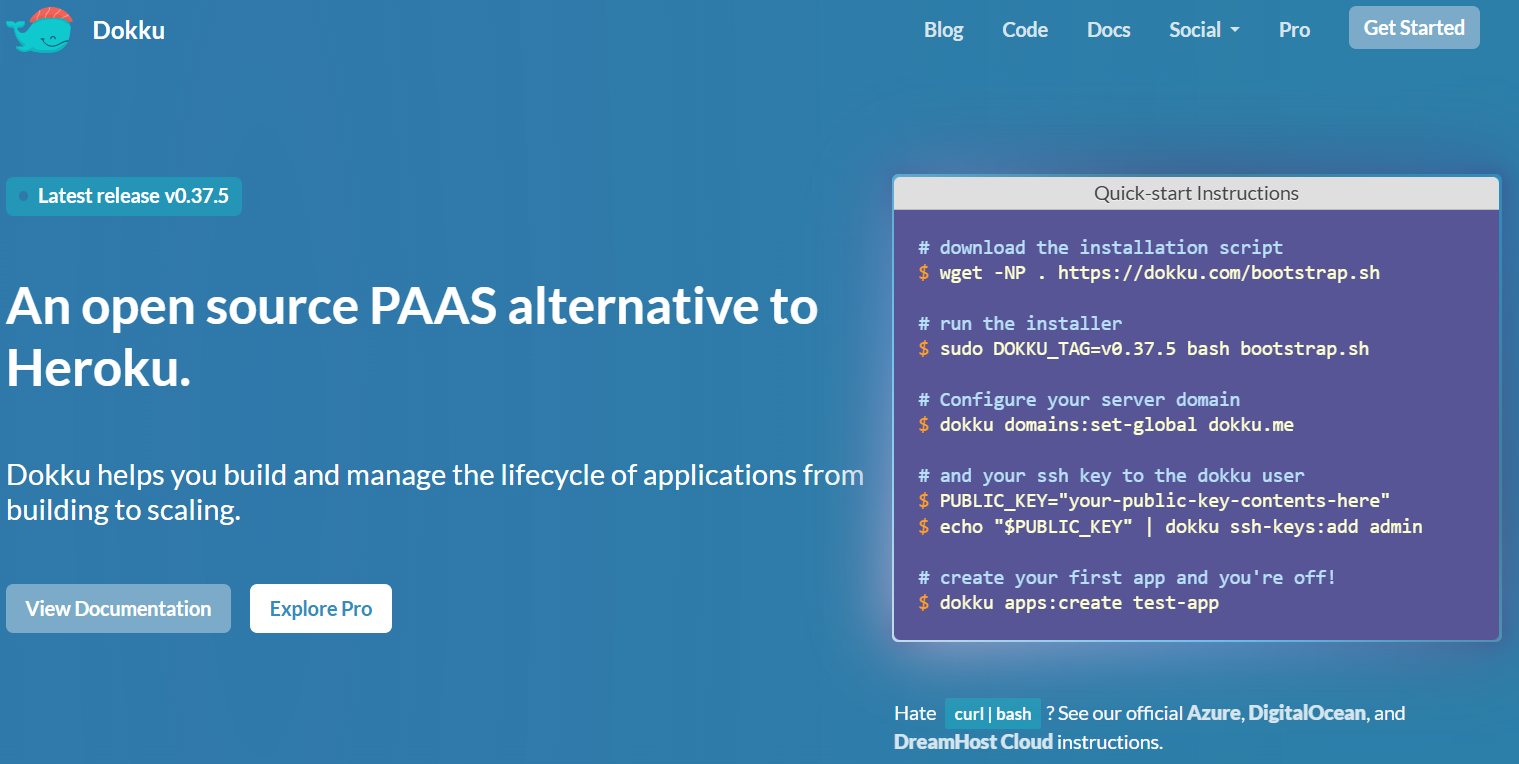
Dokku, built on Docker, is an open-source, self-hosted platform that provides a lightweight PaaS experience. It focuses on simplifying the application lifecycle, from building to deploying and scaling. Dokku can run on almost any hardware or cloud provider, making it appealing for teams that want flexibility without adopting a full orchestration system. This minimal platform operates in a single-host PaaS model that prioritizes ease of setup and familiarity. It serves as a practical option for developers who want more control while retaining PaaS-style workflows.
Dokku Key features:
-
Supports Git-based deployments using Heroku buildpacks for developers to push and run applications in a similar way to Heroku on their own servers.
-
Runs applications in isolated Docker containers for consistent runtime behavior and simplified scaling.
-
Uses a modular plugin system to add databases, TLS, logging, and other capabilities such as Let’s Encrypt and SSH Hostkeys.
- Dokku is open source and free to use. However, users need to provide their own server infrastructure. In addition to the free plan, there’s a paid offering: Dokku Pro. It’s available at a one-time, lifetime cost of $849. This includes free upgrades, support for one production server, and two pre-production servers. Additionally, users gain full access to the web-based user interface, a JSON-API Rest API, and HTTP(s) Git push capabilities.
Looking for more flexibility from Dokku? With Dokku’s plugin system, you can extend core functionality with databases, process managers, and monitoring tools.
Heroku alternatives FAQ
Is Heroku shutting down?
Based on current announcements, Heroku is not shutting down, but it has moved to a “sustaining engineering” model with no new feature investment or forward roadmap. DigitalOcean App Platform offers a buildpack-compatible migration path with an active roadmap.
What is the best alternative to Heroku? The best Heroku alternative depends on your priorities, such as ease of use, cost, or infrastructure control. DigitalOcean App Platform is a good choice because it balances managed services with predictable pricing. Options like Render, Fly.io, and Netlify may suit more specific frontend or edge-focused use cases.
What is cheaper than Heroku? Many platforms are cheaper than Heroku for comparable workloads. For example, DigitalOcean typically comes out lower in cost. Self-hosted tools like Coolify or Dokku can be cheaper still but require more operational effort, like server management, security maintenance, and troubleshooting.
Is DigitalOcean a Heroku alternative? Yes, DigitalOcean is commonly considered a Heroku alternative. Its App Platform offers Git-based deployments, autoscaling, and managed infrastructure. Developers use Droplets, Managed Databases, and Kubernetes for building applications. This flexibility makes it suitable beyond pure PaaS use cases.
Does Heroku have a free tier? Based on current information, Heroku no longer offers a free tier for running applications. This change might have pushed many developers and startups to explore alternatives like DigitalOcean, which offers cost-efficient entry points and credits.
Which Heroku alternative is best for startups? For startups, the best alternative is usually one that combines fast deployment, predictable pricing, and room to scale. DigitalOcean App Platform is a strong fit because startups can begin with managed PaaS and later adopt more control as needed by using Droplets, Managed Databases, or Kubernetes as their infrastructure needs grow. Platforms like Render and Fly.io are common early-stage choices because they offer simple deployment workflows.
What’s cheaper: Heroku, Vercel, or managing my own server? Managing your own server is the cheapest option in raw infrastructure cost, but requires the most time and operational effort. DigitalOcean offers managed services typically at lower and more predictable prices than Heroku or Vercel. Heroku and Vercel tend to be more expensive.
Migrate to DigitalOcean App Platform
DigitalOcean App Platform is built on the same Cloud Native Buildpack architecture that made Heroku successful—so applications using Procfiles, environment variables, and buildpack-based deploys generally run with minimal code changes. We’ve been helping teams migrate off Heroku since 2022, and the platform has only gotten stronger since.
-
Buildpack compatibility: Auto-detected builds for Node.js, Python, Go, Ruby, PHP, Rust, and Bun—no Dockerfile required.
-
Full application modeling: Web services, background workers, cron jobs, and pre-deploy jobs map directly from your Heroku Procfile.
-
Managed databases: First-party PostgreSQL, MySQL, MongoDB, Redis/Valkey, Kafka, and OpenSearch with private VPC networking.
-
Environment management: Tag apps as Development, Staging, or Production with one-click app cloning across environments.
-
Autoscaling and scale-to-zero: Scale up automatically on traffic spikes and scale down when idle—billed by the second.
-
AI-ready infrastructure: Deploy MCP servers, run OpenClaw agents, and integrate with Claude Code and Cursor via App Platform Skills.
-
Growth beyond PaaS: When workloads outgrow App Platform, move to Kubernetes, Droplets, or Gradient AI without switching providers.
Whether you’re running a single web service or a multi-process production stack, App Platform gives you the developer simplicity Heroku was known for — backed by a full cloud platform and an active roadmap.
Get in touch to discuss your migration with our Solutions team.
Any references to third-party companies, trademarks, or logos in this document are for informational purposes only and do not imply any affiliation with, sponsorship by, or endorsement of those third parties.
About the author

Sujatha R is a Technical Writer at DigitalOcean. She has over 10+ years of experience creating clear and engaging technical documentation, specializing in cloud computing, artificial intelligence, and machine learning. ✍️ She combines her technical expertise with a passion for technology that helps developers and tech enthusiasts uncover the cloud’s complexity.
Start building today
From GPU-powered inference and Kubernetes to managed databases and storage, get everything you need to build, scale, and deploy intelligent applications.