Claude Code has become a reference point for a new class of AI coding tools that operate at the codebase level rather than the file or snippet level. By maintaining context across multiple files and steps, it can reliably carry out workflows such as coordinated refactors, test updates, and dependency-aware changes, tasks that previously required sustained human oversight. For many teams, this makes AI-assisted development feel meaningfully different, not just faster.
That shift has helped drive rapid experimentation across the ecosystem. As foundation models, agentic workflows, and multi-model setups mature, developers now have more tools to approach the same problem Claude Code surfaced: how to use AI for real development work, not just suggestions. This comparison examines the most capable alternatives to Claude Code, including open-source, CLI-driven, and enterprise-grade tools, to help teams evaluate trade-offs around control, cost, and workflow fit.
Key takeaways:
-
Claude Code is one of the first AI coding tools developers trusted with merge-ready changes, because it can follow a single intent through multiple files, update related tests, and handle follow-on fixes without constant re-prompting.
-
Claude Code alternatives offer developers greater flexibility and control, including multi-model support, local and open-source options, Git-integrated reviews, and enterprise-grade security and compliance features.
-
Choosing the right AI coding tool depends on workflow fit and constraints, such as Command Line Interface (CLI) vs Integrated Development Environment (IDE) usage, model flexibility, Git and codebase awareness, level of agent autonomy, security requirements, and pricing scalability.
-
Top Claude Code alternatives include Claude Code, Gemini CLI, Cline, Aider, GitHub Copilot, Cursor, Replit, Windsurf, Amazon Q Developer, Continue.dev, and OpenAI Codex.
What is Claude Code?
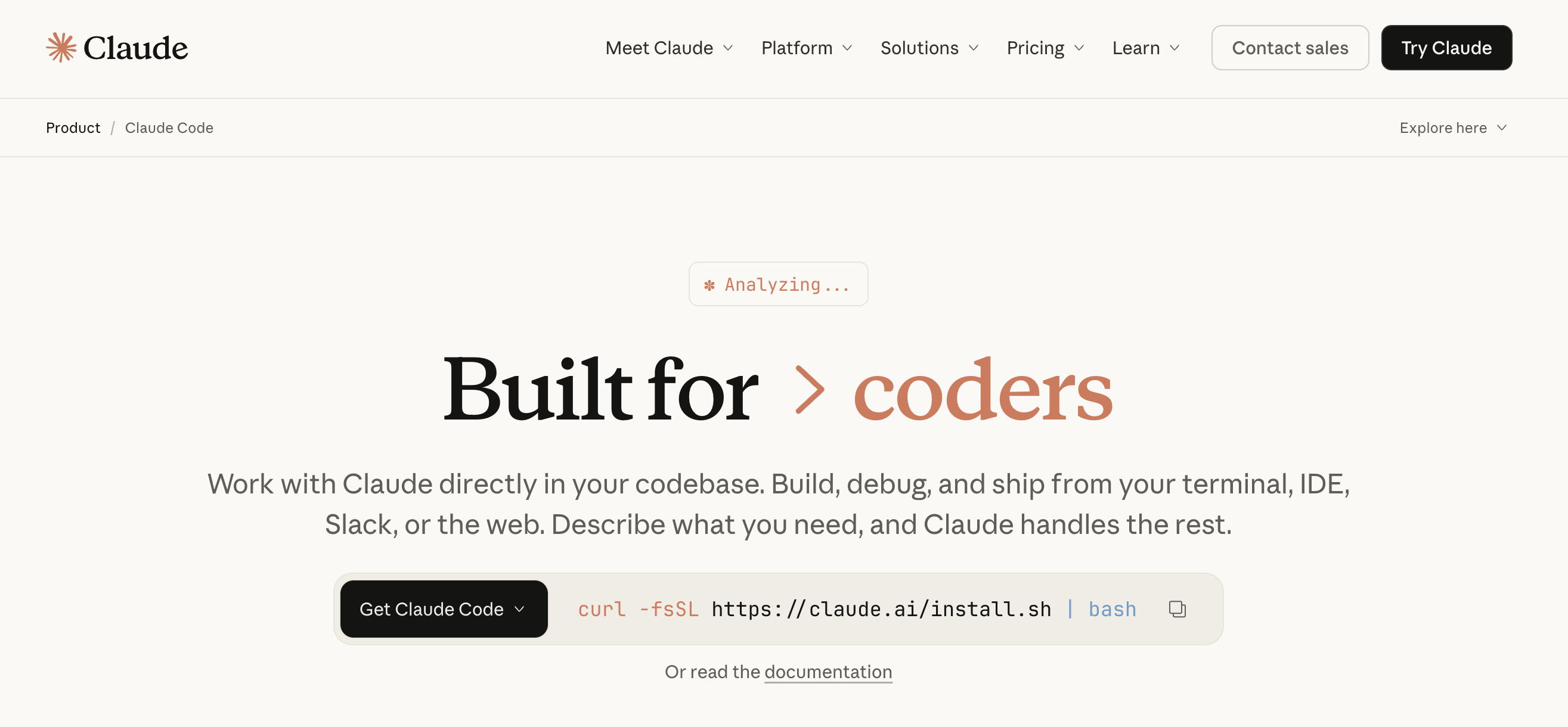
Claude Code is a terminal-based AI coding assistant built on Anthropic’s Claude models. It enables developers to generate, refactor, and reason about code through conversational prompts directly in the command line. By operating entirely within the CLI, Claude Code prioritizes fast iteration and minimal context switching, making it well-suited for developers who already rely heavily on terminal-driven workflows.
Teams commonly use Claude Code at specific stages of the development process rather than as a continuous assistant. It is often used early on in the development process to understand the scope and impact of a proposed change, and later to validate updates by reviewing the resulting diffs before committing. This approach helps developers catch unintended adverse side effects of AI coding, reason about changes more confidently, and keep control over what ultimately ships, unlike IDE-first AI coding tools such as GitHub Copilot or Cursor, which are designed to provide continuous, in-editor assistance.
Watch a Claude Code demo to understand how developers use the terminal-based AI assistant to generate and test code across multiple files:
Claude Code key features:
-
Generate, modify, and refactor code directly from the command line without relying on a graphical IDE.
-
Ask questions about existing code, implementation choices, and logic paths using natural language prompts in the CLI.
-
Produce reviewable diffs for developer inspection before committing, supporting a controlled, Git-native workflow.
Individual Plans (SaaS‑style subscription tiers)
-
Pro - $20/month or $17/month ($200/year) billed annually. Includes access to Claude Code with Sonnet 4.5 and Opus 4.5 models for short coding sprints in small codebases.
-
Max 5x - $100/month/person. Includes Claude Code with higher usage limits suitable for everyday use in larger codebases.
-
Max 20x - $200/month/person. Includes expanded Claude Code usage for power users needing the most access to Claude models.
Team & Enterprise Plans (Seat‑based tiers)
-
Team - $150/month/person (minimum 5 seats). Includes Claude Code with self‑serve seat management and additional usage at standard API rates.
-
Enterprise - Custom pricing. Includes everything in Team plus advanced security, data, and user management (contact sales for details).
For developers seeking greater control over tools, dependencies, and workflows, pairing VS Code with Claude Code on DigitalOcean Droplets offers a flexible alternative to hosted coding environments.
Benefits of Claude Code alternatives
Instead of relying on a single model or workflow, teams can choose AI programming support tools that align with their actual software development processes. Claude Code alternatives offer developers greater flexibility as AI coding tools continue to diversify, including:
-
Support for multiple development workflows: Choose between terminal-based AI coding, a CLI coding assistant, or IDE AI integration, depending on whether you prefer command-line workflows or editor-native AI pair programming.
-
Broader model and deployment options: Many Claude Code alternatives support multi-model LLM setups, including cloud-hosted and local deployments, making them suitable options for open-source Claude Code clones or self-hosted models.
-
Improved productivity beyond code completion: Modern AI-assisted development tools support higher-level workflows, such as automated refactoring and test scaffolding, as well as context-aware code adjustments, enabling teams to move faster without manually orchestrating every step.
-
Stronger integration with authentic codebases: Git-integrated AI coding enables safer, reviewable changes through diffs and repository-aware context, all critical considerations for production teams.
-
Better alignment with team and security requirements: Open source and self-hosted options give organizations greater control over data and infrastructure, whereas enterprise tools focus on compliance and access controls.
How to choose the right Claude Code alternative
Choosing between Claude Code alternatives depends on how your team writes and ships code. As AI coding tools mature, slight differences in workflow support and integration can have a meaningful impact on productivity. Consider the following when comparing AI coding platforms:
-
Primary workflow fit: Determine whether your team primarily works in the terminal or within an editor. Key features to look for include terminal-based AI coding, a robust CLI coding assistant, or IDE AI integration that supports inline suggestions and continuous AI pair programming.
-
Model flexibility and control: Consider whether the platform supports multiple LLM providers or if you can switch models based on task requirements, helping avoid lock-in and tailoring AI behavior to different stages of development.
-
Codebase and Git awareness: Consider how closely the AI integrates with your repository and version control workflows. Tools that understand repo structure and branch context, and that support diff-based changes, can reduce manual review and simplify multi-file edits. Evaluate whether you need AI outputs that are review-friendly and ready for pull requests, or if more straightforward inline suggestions are sufficient for your workflow.
-
Level of autonomy: Compare tools focused on assisted code completion with those offering autonomous coding agents. Relevant features to evaluate include task planning and execution limits, as well as rollback support.
-
Security, privacy, and compliance needs: Evaluate whether your team needs local execution or self-hosted models to keep code and prompts on-device. This is especially important for regulated environments, sensitive repositories, or teams with strict data governance policies.
-
Pricing and scalability: Assess whether pricing is subscription-based or usage-based, and how costs scale with team size and code volume. Look for transparency into usage and spending controls, and look for plans that support team-wide collaboration.
Top 10 Claude Code alternatives
Pricing and feature information in this article are based on publicly available documentation as of February 2026 and may vary by region and workload. For the most current pricing and availability, please refer to each provider’s official documentation.
Compare the top Claude Code alternatives, including terminal-based AI coding assistants, IDE-native AI pair programming tools, and autonomous coding agents.
| Provider | Best for* | Key features | Pricing |
|---|---|---|---|
| Claude Code | Terminal-first development workflows | Terminal-based AI coding; conversational code reasoning; multi-file context handling; Git-compatible workflows; fast CLI iteration | Pro - $20/month; Max 5x - $100/month; Max 20x - $200/month; Team - $150/user/month; Enterprise - Custom pricing |
| Gemini CLI | AI-assisted coding with deeper system context | Terminal-native code generation and refactoring; shell-aware execution; explicit file and directory context loading; iterative CLI workflows | Free - $0; Standard - $22.80/month; Enterprise - $54/month; Pay-as-you-go |
| Cline | Terminal-first coding | Agent-based multi-step task execution; real repository access; multi-model LLM support, including local models; terminal-first workflows | Open source - $0; Teams - $20/user/month; Enterprise - Custom pricing |
| Aider | Open-source development | Diff-based Git workflows; terminal-based operation; strong refactoring support; transparent change review | Open source - $0/month |
| GitHub Copilot | IDE-centric teams | Inline code completion; IDE-native chat; repository-aware suggestions; enterprise security and policy controls | Free - $0; Pro - $10/month; Pro+ - $39/month; Business - $19/user/month; Enterprise - $39/user/month |
| Cursor | Editor-integrated AI pair programming | Codebase-aware AI chat; cross-file refactoring; multi-model support; inline suggestions with conversational workflows | Hobby - $0; Pro - $20/month; Pro+ - $60/month; Ultra - $200/month; Teams - $40/user/month; Enterprise - Custom pricing |
| Replit | Browser-based development | Cloud IDE with integrated AI assistance | Free - $0; Core - $20/month; Teams - $35/user/month; Enterprise - Custom pricing |
| Windsurf | Autonomous coding agent experimentation | Autonomous task planning; multi-file orchestration; agent-driven workflows; human-in-the-loop control | Free - $0; Pro - $15/month; Teams - $30/user/month; Enterprise - Custom pricing |
| Amazon Q Developer | AWS-centric enterprise teams | AWS-aware code generation; infrastructure-as-code assistance; security and compliance guidance; IDE integration | Free - $0; Pro - $19/user/month |
| Continue.dev | Privacy-conscious teams | IDE integration; self-hosted model support; customizable prompts; open-source extensibility | Solo - $0; Team - $10/user/month; Enterprise - Custom pricing |
| OpenAI Codex | Large-scale AI-assisted software engineering | Agent-based task execution; repository-wide reasoning; CLI, IDE, and API access; Git-integrated workflows; automated test generation | Plus - $20/month; Pro - $200/month; Business - $25/user/month; Enterprise - Custom pricing |
Terminal/CLI-first AI coding assistants
Terminal-first AI coding assistants enable developers to interact directly with AI in the command line, emphasizing speed and minimizing context switching within Git-native workflows. These tools are ideal for teams that prefer working with local repositories and terminal-driven development rather than using full IDEs. CLI-based AI coding continues to evolve with agentic workflows and easy integration with local development environments.
1. Gemini CLI for AI-assisted coding with deeper system context
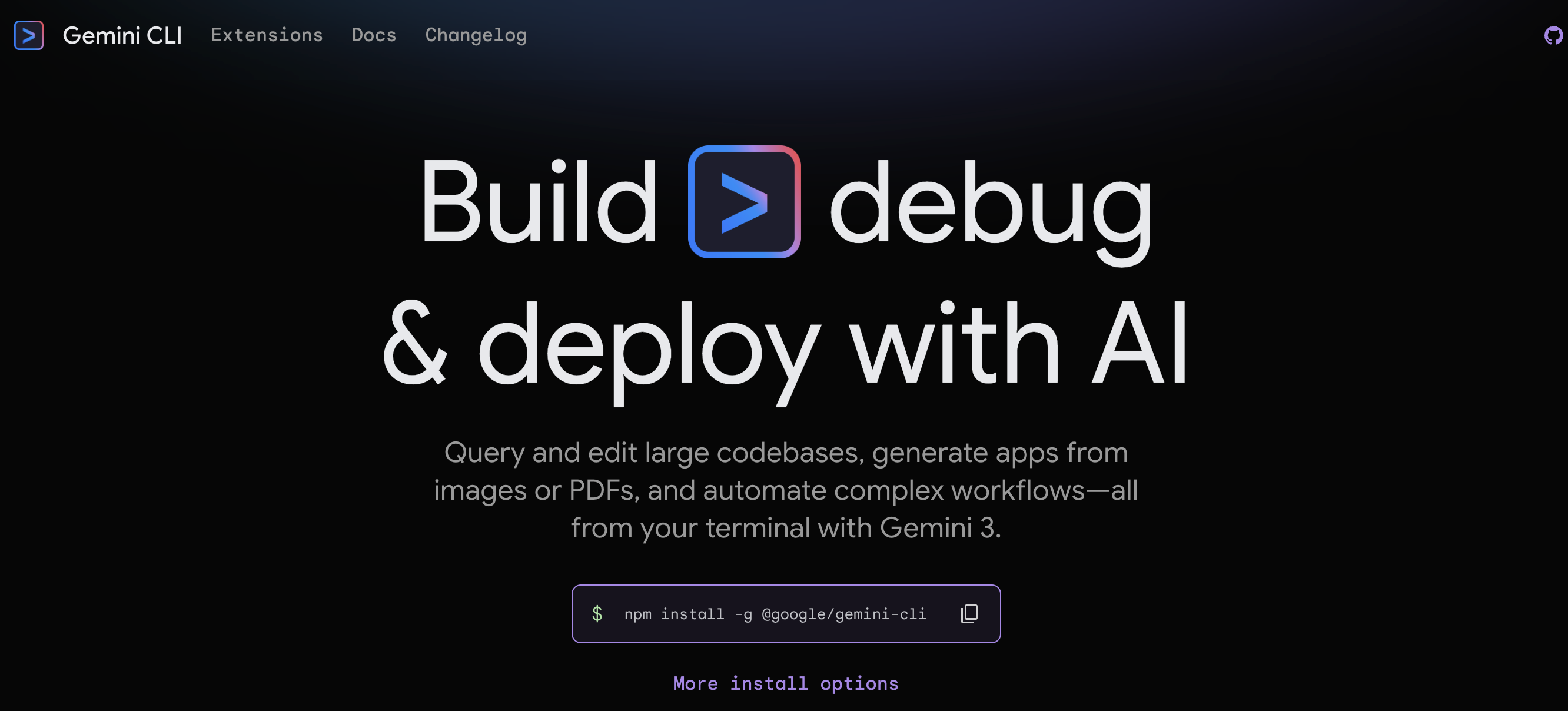
Gemini CLI is a terminal‑first AI coding assistant. It integrates Google’s Gemini models directly into the shell, enabling developers to generate code and refactor files. It also reasons about scripts without leaving the terminal. Gemini CLI emphasizes fast and lightweight interactions that fit naturally into Unix-style workflows. It works well for backend/platform engineers and DevOps teams, who rely heavily on CLI tooling. By embedding AI directly into the shell, Gemini CLI reflects the broader evolution of AI developer tooling toward model-native, workflow-embedded assistants rather than standalone IDE features.
Gemini CLI offers a conversational workflow similar to Claude Code, powered by Google’s model ecosystem. Developers are drawn to it for its strong reasoning on large, structured codebases and its ability to connect coding tasks with Google Cloud services such as infrastructure and deployment workflows. For teams already building on Google Cloud Platform, this makes Gemini CLI feel less like a standalone coding assistant and more like an AI layer woven directly into their existing development and operations stack.
Watch how developers use the AI agent inside Gemini CLI to fix bugs and generate features for research tasks as part of real development workflows:
Gemini CLI key features:
-
Developers pass specific files, directories, or command output into each prompt, rather than relying on automatic repo indexing, keeping interactions scoped and predictable.
-
Gemini CLI works directly with live command-line output, enabling in-place interpretation and diagnosis during execution.
-
Prompt-driven edits run without indexing or IDE configuration, which makes them well-suited to lightweight and script-heavy environments.
-
Free - $0. Limits depend on authentication: Google account (1,000 requests/day, 60 requests/min), Gemini API key (unpaid, 250 requests/day, 10 requests/min), or Vertex AI Express Mode (90 days free, variable quotas).
-
Standard - $22.80/month or $19/month (billed annually at $228/year). Provides higher daily and per-minute model request limits (1,500/day, 120/min) for individual developers.
-
Enterprise - $54/month or $45/month billed annually ($540/year). Provides even higher quotas (2,000/day, 120/min) and is suited for organizations needing predictable usage limits.
-
Pay-As-You-Go - Pricing varies by usage. Charges are based on token and model usage via Gemini API key or Vertex AI Regular Mode for flexible, high-volume workloads.
Prefer using the terminal over full IDEs? Gemini CLI brings AI assistance directly into command-line workflows, keeping context explicit and interactions lightweight. For teams that live in logs and command output, it offers a simpler alternative to IDE-centric coding agents.
2. Cline for terminal-first coding
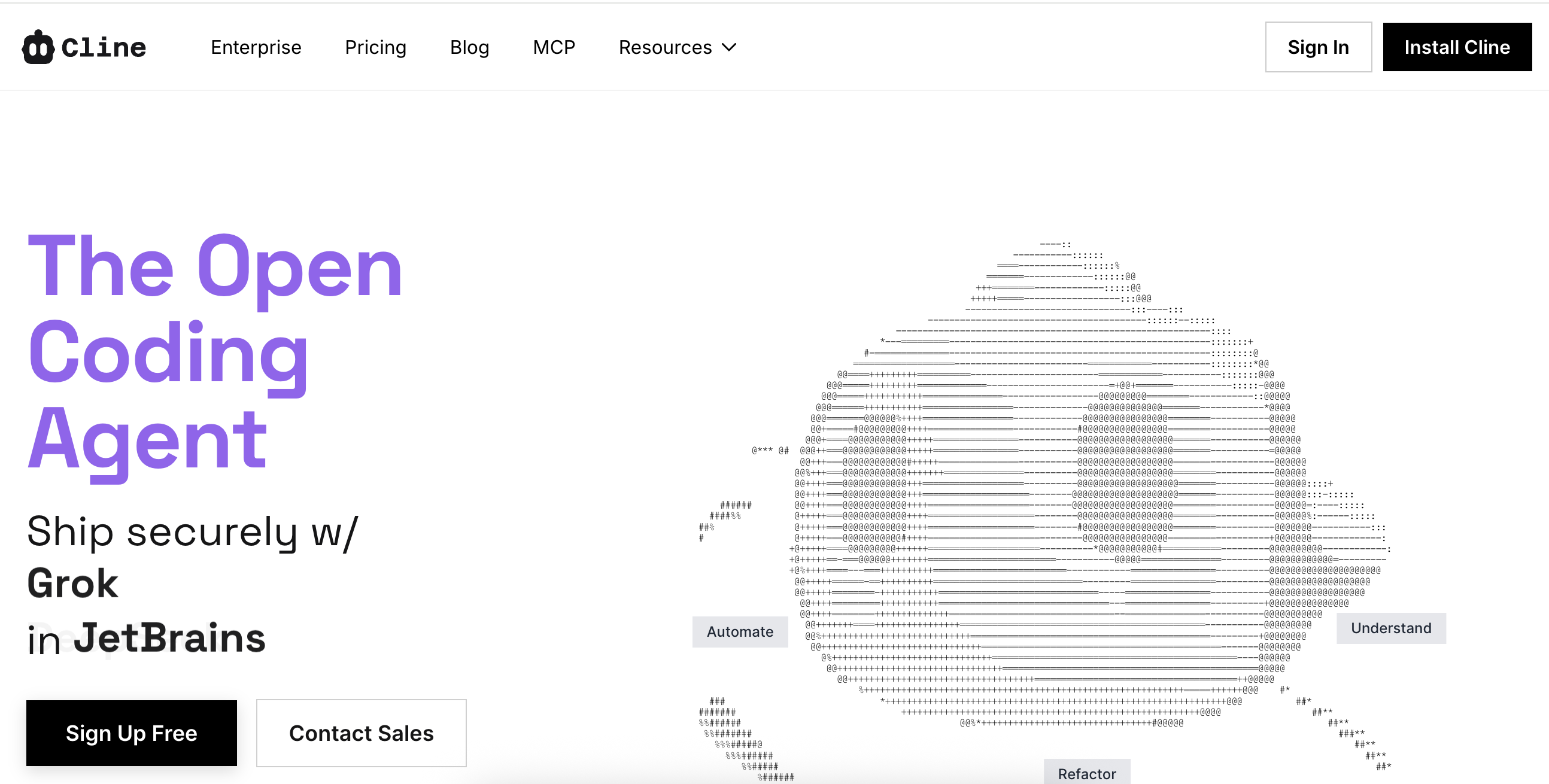
Cline is an open-source, agentic CLI coding assistant designed for developers who want local-first workflows and model flexibility. It closely mirrors Claude Code’s terminal-driven interaction model while expanding support for multiple LLM backends, including local and hosted models. Cline operates directly on the active working repository, reading and updating files in place rather than relying on Git-synced snapshots or commit-based context. This makes it better suited for multi-step debugging and iterative feature development where changes build on each other. Its open architecture exposes how prompts and context selection are handled, while non-open tools typically abstract these steps behind fixed agent logic and automatic context gathering. This gives developers more precise control over what the AI sees and changes in the codebase.
A Cline demo shows developers using the terminal-based AI assistant in real coding workflows, highlighting how it reasons across multiple files and requires approval before edits are committed. The walkthrough also illustrates how prompts and outputs are managed interactively, emphasizing transparency and developer control in AI-assisted coding.
Cline key features:
-
Shell command outputs and runtime results can be fed directly into AI prompts, enabling developers to analyze and act on live data without exporting files or switching contexts.
-
Uses live execution signals, including browser automation and command output, to guide edits and refactoring, allowing the AI to observe UI behavior and adapt code based on the application’s real runtime state rather than static files.
-
Provides inline explanations with each proposed change, capturing the reasoning behind multi-step edits (such as UI fixes or external data interactions) so developers can review intent and retain control directly within the CLI or IDE.
-
Open Source - $0. Free for individual developers; includes CLI, VS Code extension, secure client-side architecture, multi-root workspaces, and community support.
-
Teams - $20/month/user. Includes JetBrains extension, centralized billing, role-based access control, team management system, and priority support.
-
Enterprise - Custom pricing. Includes SSO, SLA, dedicated support, and authentication logs.
3. Aider for open-source development
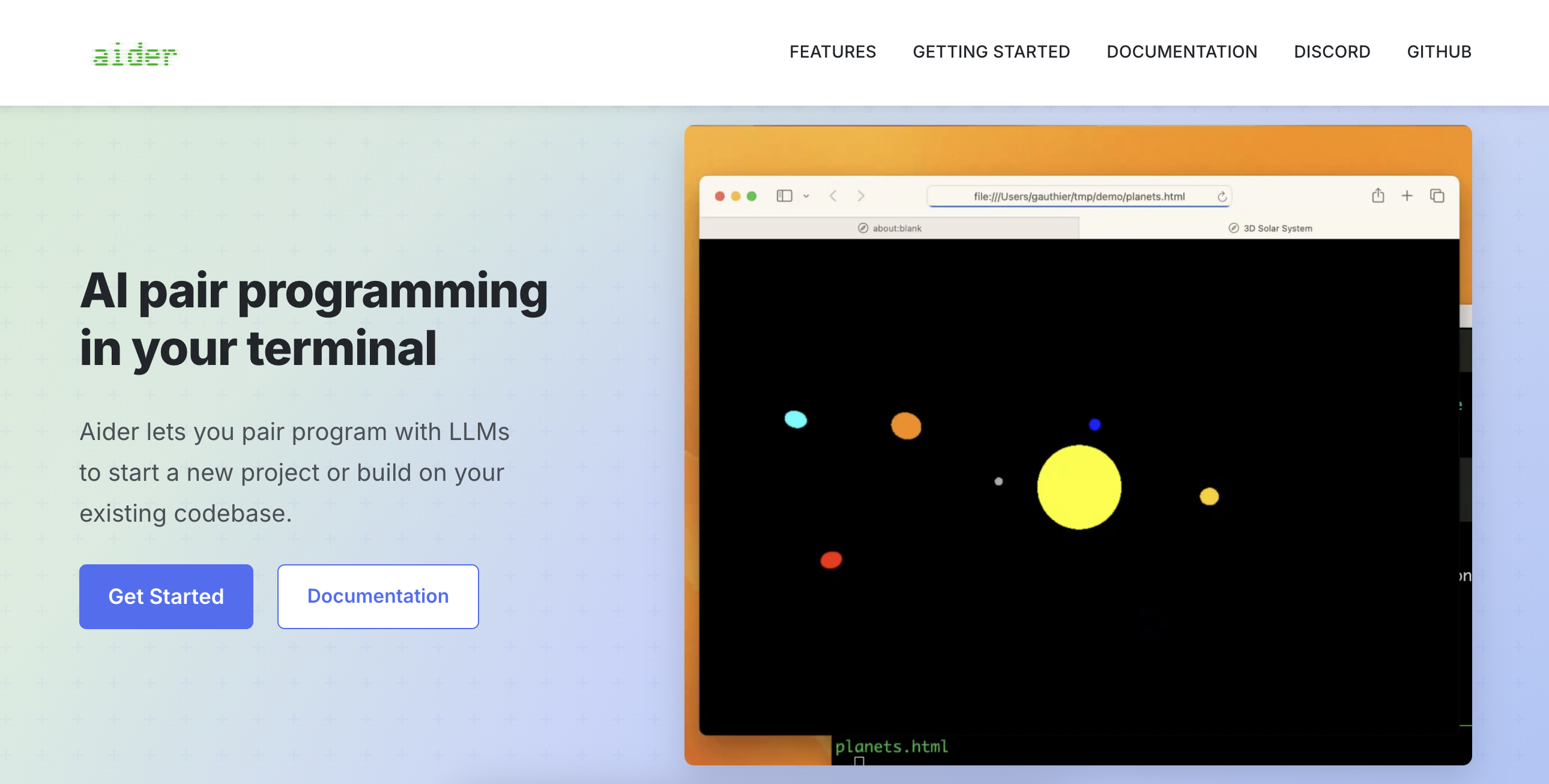
Aider is a Git-native, terminal-based AI coding assistant built to support collaborative, open source workflows. Contributors can review each edit as staged diffs, helping maintain code quality throughout the development workflow. Its reasoning traces and working-tree previews make edits predictable and simplify complex tasks such as multi-step refactors or debugging, as well as incremental improvements in large, community-driven repositories. By providing clear, auditable changes and reducing onboarding friction, Aider helps maintainers coordinate contributions from multiple developers while keeping the project consistent and transparent.
Aider key features:
-
Built‑in support for prompt caching speeds up iterative interactions and reduces costs by reusing context across related prompts rather than rebuilding it each time.
-
Similar to tools like GitHub Copilot and Cursor, developers can include images and web pages in chat prompts to provide additional context for AI suggestions, adding flexibility beyond plain-text CLI interaction—unique to Aider is the ability to include voice input as context.
-
Builds and maintains a map of the Git repository to give the LLM structured, project‑wide context about architecture and file relationships, helping with coordinated multi‑file changes in larger codebases.
Aider pricing:
- Free. Aider is an open-source tool that requires users to provide their own API keys to implement language models.
Editor/IDE-integrated AI coding assistants
IDE-integrated AI coding assistants work directly inside the editor, providing suggestions and pair programming without interrupting coding flow. When integrated with editors like VS Code and JetBrains IDEs, these tools help teams maintain productivity and keep workflows organized.
4. GitHub Copilot for IDE-centric teams
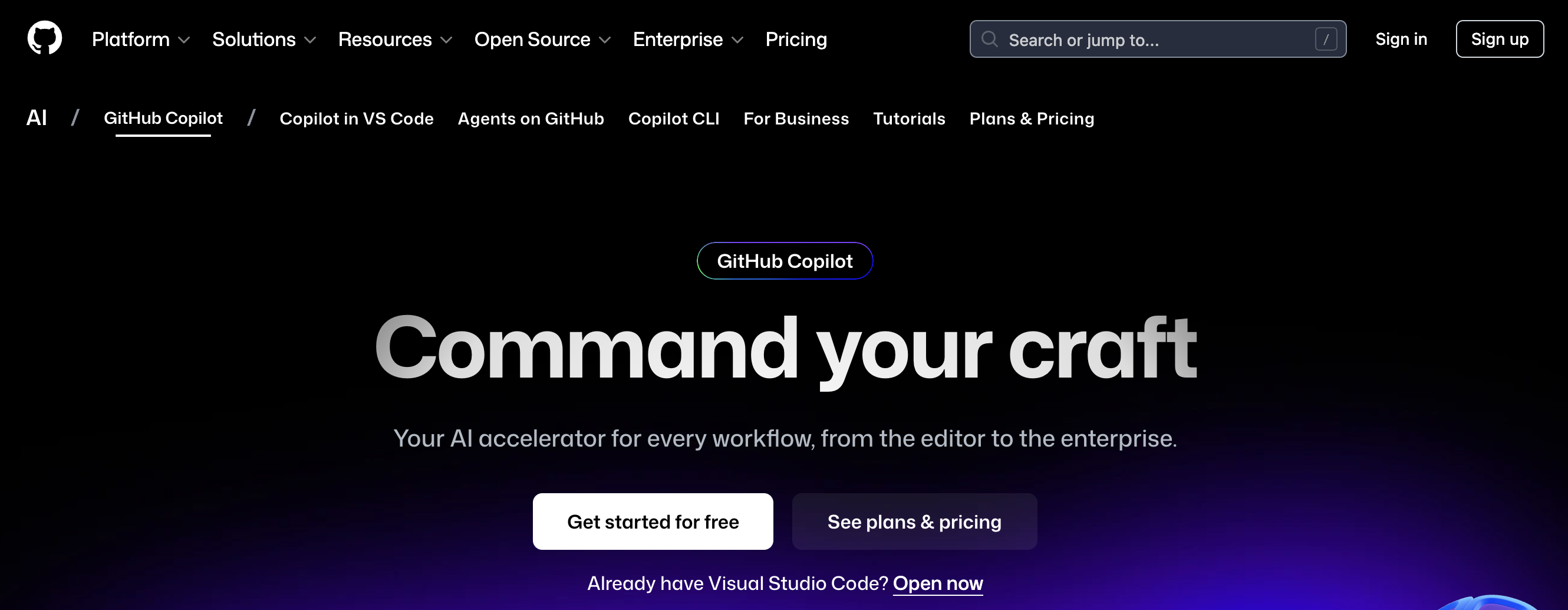
GitHub Copilot is an IDE-native AI pair-programming tool designed for developers working in popular editors, including VS Code, JetBrains IDEs, and Neovim. It focuses on inline code completion, suggestions, and contextual assistance while developers write code. Copilot emphasizes continuous, real-time AI support embedded directly into the editor. Its tight integration with GitHub repositories and enterprise features makes it especially suitable for professional teams and large organizations. Copilot provides context-aware code suggestions but does not plan or commit multi-file changes, so it functions as a code completion tool rather than a fully autonomous coding agent.
Watch and learn how GitHub Copilot’s AI can autonomously tackle coding tasks, from creating pull requests to fixing bugs—while simultaneously logging its reasoning and workflow:
GitHub Copilot key features:
-
Show inline suggestions for multiple languages, including HTML, JavaScript, and Python, in the same editor session, without switching contexts.
-
Cycle through multiple AI-generated code completion suggestions in-line using keyboard shortcuts without opening a separate panel, keeping the workflow entirely in the editor.
-
Predicts not just the immediate following line, but full functions or methods that adapt as you type, more aggressive than simpler line-based completions found in tools like Cursor or standard IDE autocomplete.
-
Free - $0. Includes 50 agent mode or chat requests per month, 2,000 code completions per month, plus access to Haiku 4.5, GPT‑4.1, and other limited models.
-
Pro - $10/month or $100/year. Free for verified students, teachers, and maintainers of popular open source projects. Includes unlimited agent mode and chats with GPT-5 mini, unlimited code completions, access to models from Anthropic, Google, and OpenAI, and 300 premium requests to use the latest models (with the option to purchase additional requests).
-
Pro+ - $39/month ($390/year). Includes access to all models, including Claude Opus 4.1, 5× more premium requests than Pro, GitHub Spark, and Codex IDE extension support in VS Code.
-
Business - $19/month/user. Includes coding agent, unlimited agent mode, and chats with GPT‑5 mini, unlimited code completions, access to models from Anthropic, Google, OpenAI, 300 premium requests per user (with the option to buy more), user management, and usage metrics.
-
Enterprise - $39/month/user. Includes access to all models (including Claude Opus 4.1), 3.33× more premium requests than Business, and GitHub Spark for creating and sharing micro apps.
Tools that support multiple platforms bring AI into every part of the workflow. Explore GitHub Copilot alternatives for adopting AI in terminals or cloud environments to expand productivity.
5. Cursor for editor-integrated AI pair programming
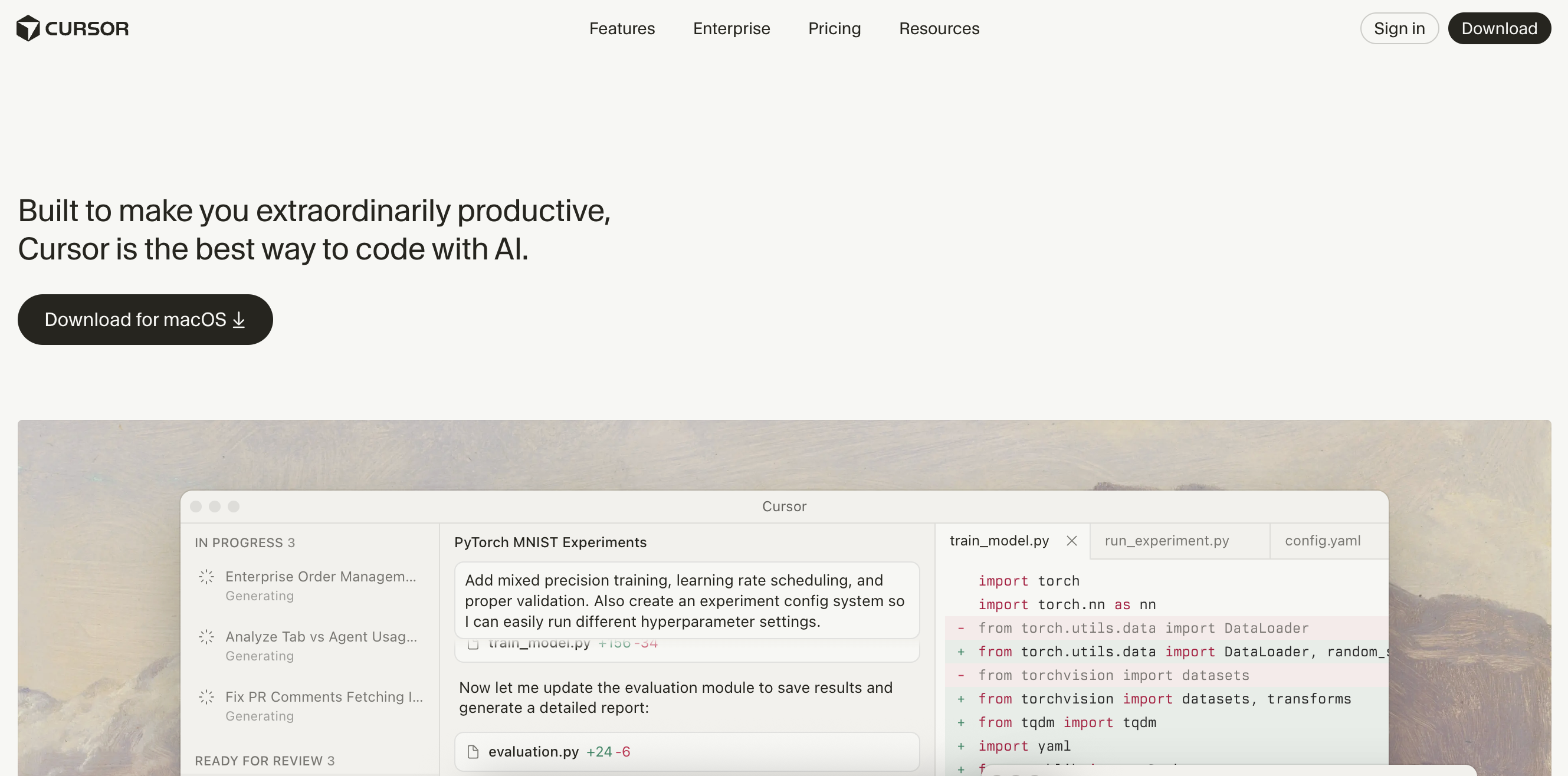
Cursor is an AI-powered code editor built around deep project-wide awareness, extending the traditional IDE experience. Unlike tools that operate file by file, such as Aider, Cursor can analyze an entire repository to simultaneously execute multi-file edits and provide context-aware suggestions across the project. Developers can compare side-by-side diffs and accept or reject each change while applying automated workflows, such as multi-file refactors, directly from the editor. This helps maintain consistency and control during bulk refactoring and large-scale updates. Multi-model support enables teams to switch between AI models to find the ideal pairing for the job. Privacy Mode keeps code indexed locally and only sends queries when requested, ensuring sensitive data stays private until you initiate a search or AI operation. Cursor’s combination of project-wide context and in-editor automation makes it ideal for complex, collaborative development workflows.
Cursor key features:
-
Converts natural-language instructions into terminal commands and code changes within the editor, reducing context switching for DevOps and testing tasks.
-
Stores project-specific “rules” for style and linters, guiding AI suggestions to match team conventions.
-
Offers on-demand switching between providers and models across tasks, enabling teams to balance speed and AI depth.
Individual Plans
-
Hobby - $0. Includes a one-week Pro trial, limited agent requests, and limited tab completions.
-
Pro - $20/month. Includes extended agent limits, unlimited tab completions, background agents, and maximum context windows.
-
Pro+ - $60/month. Includes 3× usage on all OpenAI, Claude, and Gemini models.
-
Ultra - $200/month. Includes 20× usage on all OpenAI, Claude, and Gemini models, and priority access to new features.
Business Plans
-
Teams - $40/user/month. Includes shared chats, commands, and rules, centralized team billing, usage analytics, privacy controls, role-based access, and SAML/OIDC SSO.
-
Enterprise - Custom pricing. Includes pooled usage, invoice/PO billing, SCIM seat management, AI code tracking API and audit logs, granular admin and model controls, and priority support/account management.
In addition to its main subscription plans, Cursor offers the Bugbot add-on for AI-assisted code reviews, offering quick “Ask” queries and automatic fixes. Bugbot’s paid tiers expand review limits, add project-specific rules, and provide analytics and team-level controls.
How do the top AI coding assistants compare? GitHub Copilot excels at fast, inline suggestions and tight GitHub integration, while Cursor stands out for multi-file edits, project-wide context, and model flexibility. Explore the differences between GitHub Copilot vs Cursor to see which fits your workflow best.
6. Replit for browser-based development
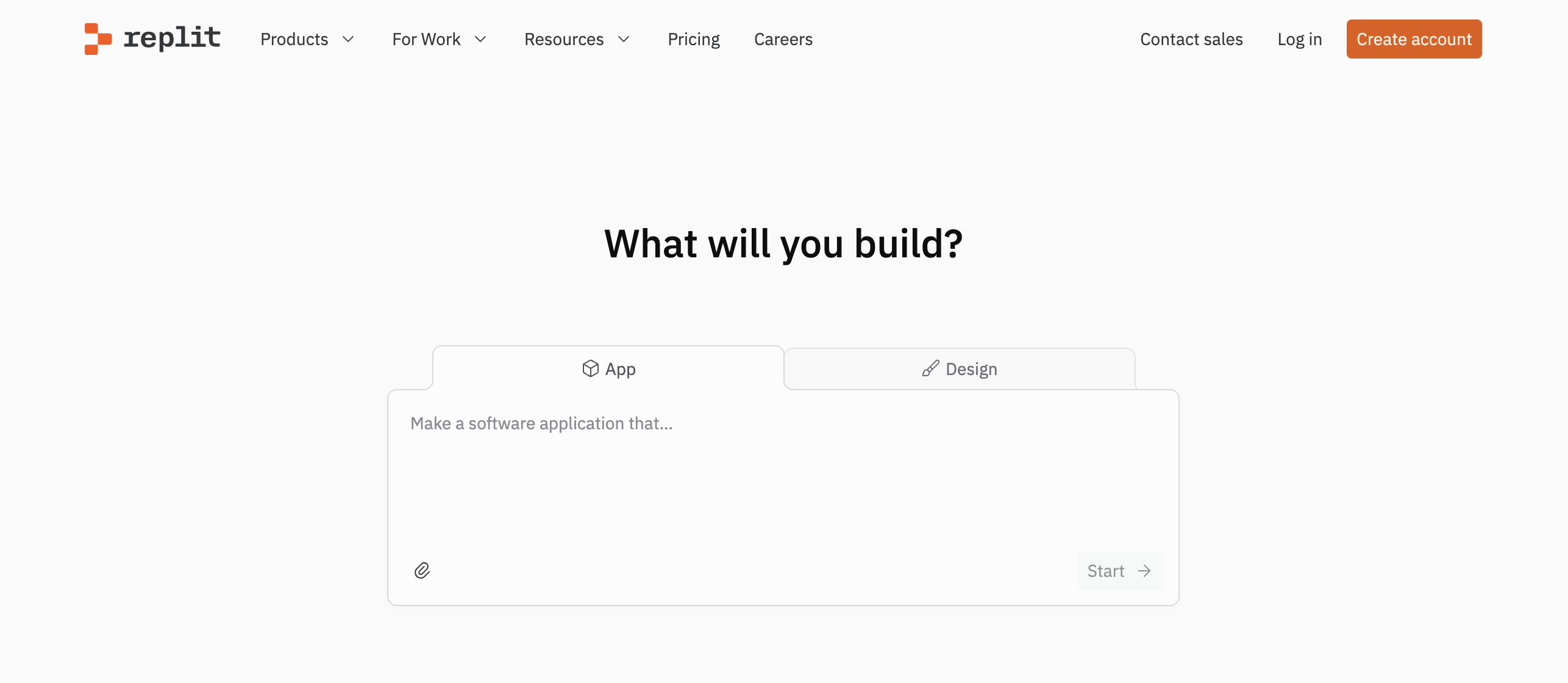 Replit is a cloud-based development platform that combines a full IDE, AI-powered coding assistance in a single workspace. Because everything runs in the cloud, developers can easily write-run-debug and deploy applications without local setup. Its AI agent supports multi-step workflows by generating and testing code across multiple files from natural-language instructions. Sandboxed execution, built-in security scanning, encrypted secret management, automatic previews, and live feedback provide a controlled environment for validating changes in real time.
Replit’s Multiplayer mode focuses on real-time collaboration within shared cloud projects. Multiple users can edit the same codebase simultaneously while observing updates as they occur, and preview UIs or run servers in persistent environments. Built-in secret management with pre-deployment security checks with instant previews helps teams review changes together while maintaining visibility as applications move from development to deployment.
Replit key features:
-
Includes built-in project templates and starter environments for quickly bootstrapping new applications, with pre-configured dependencies and runtime settings tailored to common frameworks and languages.
-
Real‑time full‑page rendering for frontend changes is built directly into the coding environment without extra tooling or deployment steps, showing live changes alongside code edits.
-
Provides integrated version control and project management tools to track changes within the workspace.
Each AI task in Replit consumes credits based on complexity, so developers can control usage while accessing private projects, higher compute, and expanded AI assistance.
-
Free - $0/month. Includes limited AI assistance, public projects, community hosting, and basic editor features for experimentation and learning.
-
Core - $20/month. Includes expanded AI usage, private projects, higher compute limits, and improved performance for individual developers.
-
Teams - $35/user/month. Includes team collaboration features, shared workspaces, access controls, and centralized billing.
-
Enterprise - Custom pricing. Includes advanced security, compliance controls, dedicated support, and custom deployment options.
By combining AI guidance with controllable environments, Replit alternatives help developers quickly transform concepts into functioning prototypes while maintaining visibility into each change.
Autonomous/task-driven AI coding assistants
Autonomous AI coding assistants focus on high-level orchestration, enabling AI to execute multi-step tasks while managing workflows and assisting with repository-wide code changes. These tools are suitable for teams experimenting with autonomous coding agents or server-side automation. In 2026, they are becoming central to development workflows because of how they help teams delegate complex or repetitive coding tasks while retaining visibility into each step and control over execution.
7. Windsurf for autonomous coding agent experimentation
Windsurf is designed for teams that develop autonomous coding agents and task-driven development workflows, instead of focusing on inline completion. Windsurf orchestrates multi-step tasks across repositories, enabling AI agents to execute and validate changes autonomously. This feature makes it ideal for multi-repo projects or microservices where updates must stay consistent across codebases. For instance, where Copilot or Cline requires step-by-step prompts to refactor a feature, Windsurf can take a high-level instruction, like “update the authentication flow and tests”, and handle the sequence automatically, while showing logs and intermediate results for transparency. This makes it suitable for experimental teams and advanced users looking to push beyond traditional AI pair programming. Windsurf emphasizes autonomy more than direct, conversational command execution.
Windsurf key features:
-
Executes high-level instructions across multiple repositories, linking changes in code, config, and Continuous Integration (CI) artifacts automatically.
-
Maintains a directed task graph showing how each sub-task (e.g., refactor, test update, dependency bump) flows into the next, providing insight into the AI’s planning logic.
-
Generates human-readable summaries for each agent action, translating the AI’s plan into a clear explanation of why each change was made and what parts of the code were affected so that developers can review and verify the updated code.
-
Free - $0. Includes 25 prompt credits per month across leading models (OpenAI, Claude, Gemini, xAI), basic model access, Fast Context trial access, unlimited tab completions, unlimited inline edits, and Windsurf app previews.
-
Pro - $15/month. Includes 500 prompt credits/month after a 2-week free trial, access to all premium models, the SWE-1.5 model, full Fast Context access, and optional add-on credits ($10/250 credits).
-
Teams - $30/user/month. Includes 500 prompt credits per user/month, add-on credits available, Windsurf Reviews, centralized billing, admin dashboard with analytics, priority support, automated zero data retention, and optional SSO (+$10/user/month).
-
Enterprise - Custom pricing. Includes 1,000 prompt credits per user/month, role-based access control (RBAC), SSO and access control features, highest priority support, dedicated account management, and a hybrid deployment option for organizations with 200+ users.
Learn more about the world of autonomous agents for personal and professional tasks in our guide, What is Moltbot?
8. Amazon Q Developer for AWS-centric enterprise teams
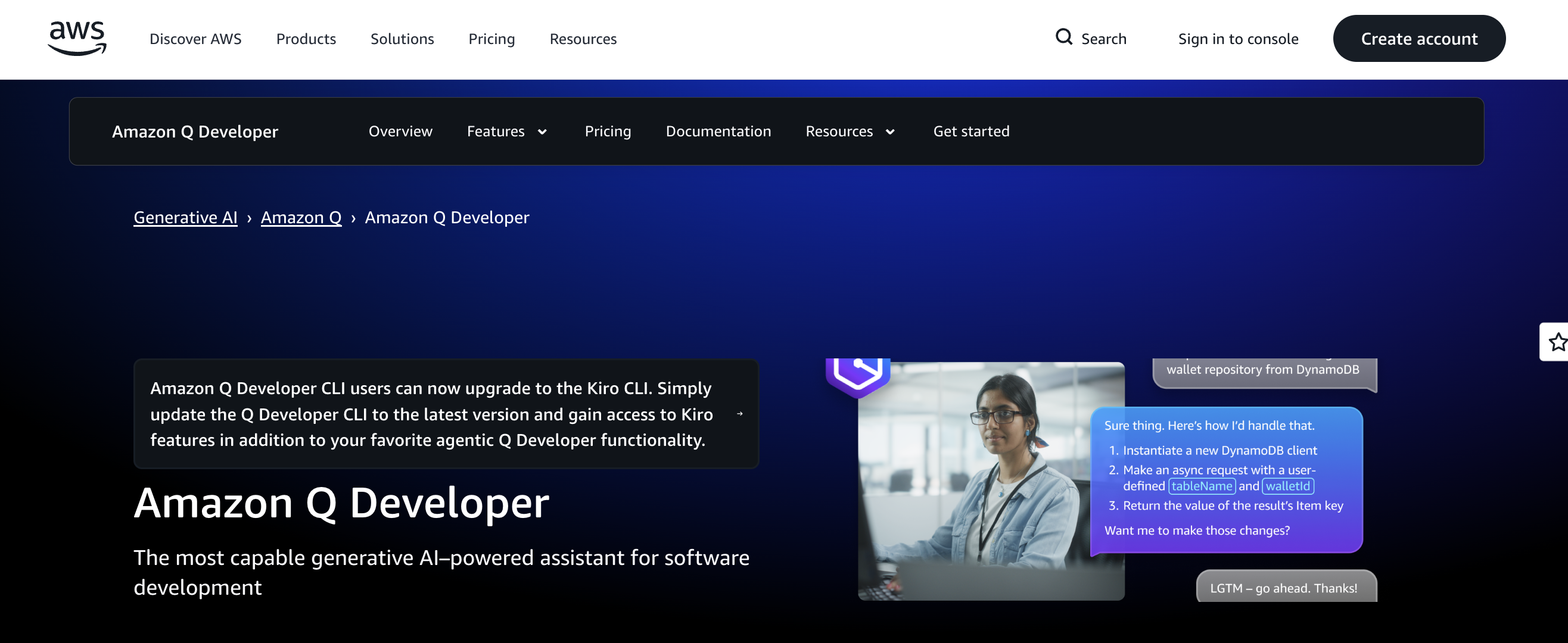
Amazon Q Developer is an AI coding assistant for AWS-focused development that provides context-aware code suggestions and agentic transformations, guided by live AWS resources. Developers interact directly in IDEs or the CLI, preview multi-step edits, and see how proposed changes will affect infrastructure and configurations before applying them. Unlike general-purpose coding assistants, it is optimized for cloud-native workflows, including Java version upgrades, and surfaces actionable recommendations in the AWS console. While Amazon Q Developer offers inline suggestions and agentic coding across many languages (Python, JavaScript/TypeScript, C#, Go, Rust, PHP, Ruby, Kotlin, C/C++, SQL, and more) in IDEs and the CLI, its advanced transformation capabilities (such as Java version upgrades or .NET porting) are centered on Java and .NET workflows, which can limit those specific use cases outside those ecosystems.
Amazon Q Developer key features:
-
Correlates application code with infrastructure definitions such as CloudFormation or CDK, along with runtime metrics, to generate actionable suggestions for code and deployment behavior.
-
Records all AI-generated edits and reasoning steps in IDE or CLI sessions, giving teams complete visibility to review or roll back changes.
-
Suppresses public code suggestions by default and allows opt-out of telemetry to protect sensitive project data while using AWS resources.
-
Free - $0. Includes 50 agentic requests per month (Q&A chat, agentic coding), 1,000 lines of Java code transformation per month, IDE plugins and CLI access, reference tracking, suppress public code suggestions, opt-out data collection, and general Q&A/diagnostics in AWS Console.
-
Pro - $19/month/user. Includes increased agentic request limits, 4,000 lines of Java/.NET code transformation per user per month (extra lines at $0.003/line), admin dashboard with user and policy management, identity center support, and IP indemnity.
9. Continue.dev for privacy-conscious teams
Continue.dev is an AI coding assistant that integrates into popular IDEs while enabling teams to self-host models and infrastructure. It is designed for organizations that require greater control over prompts and model selection. Continue.dev enables teams to run AI models on their own infrastructure or connect to any compatible model provider, giving them more control over data flow and model selection than many closed‑source assistants that rely on fixed back-end services. It supports both AI pair programming and broader AI-assisted development use cases. This makes it appealing for privacy-conscious teams and those operating in regulated environments.
Continue.dev key features:
-
Assign different AI models for distinct tasks (e.g., one model for code generation, another for testing) and support self‑hosted backends without being tied to a single cloud service.
-
Supports role-based access and project-level controls for collaborative development environments.
-
Enables iterative testing and tuning of model behavior directly within the IDE, enabling developers to adjust prompts and code suggestions without impacting production workflows.
-
Solo - $0/developer/month. Includes creating and sharing custom AI code agents, using open-source VS Code and JetBrains extensions, bringing your own compute or LLM/API keys, and creating public agents for your organization.
-
Team - $10/developer/month. Includes centralized management of private AI code agents, allows/blocks lists for agent and block usage, and secure handling of organization API keys via an authentication layer and managed proxy.
-
Enterprise - Custom pricing. Includes enterprise onboarding and training, SSO via SAML or OIDC, and an on-premises data plane to manage code and sensitive data within your environment.
10. OpenAI Codex for large-scale AI-assisted software engineering
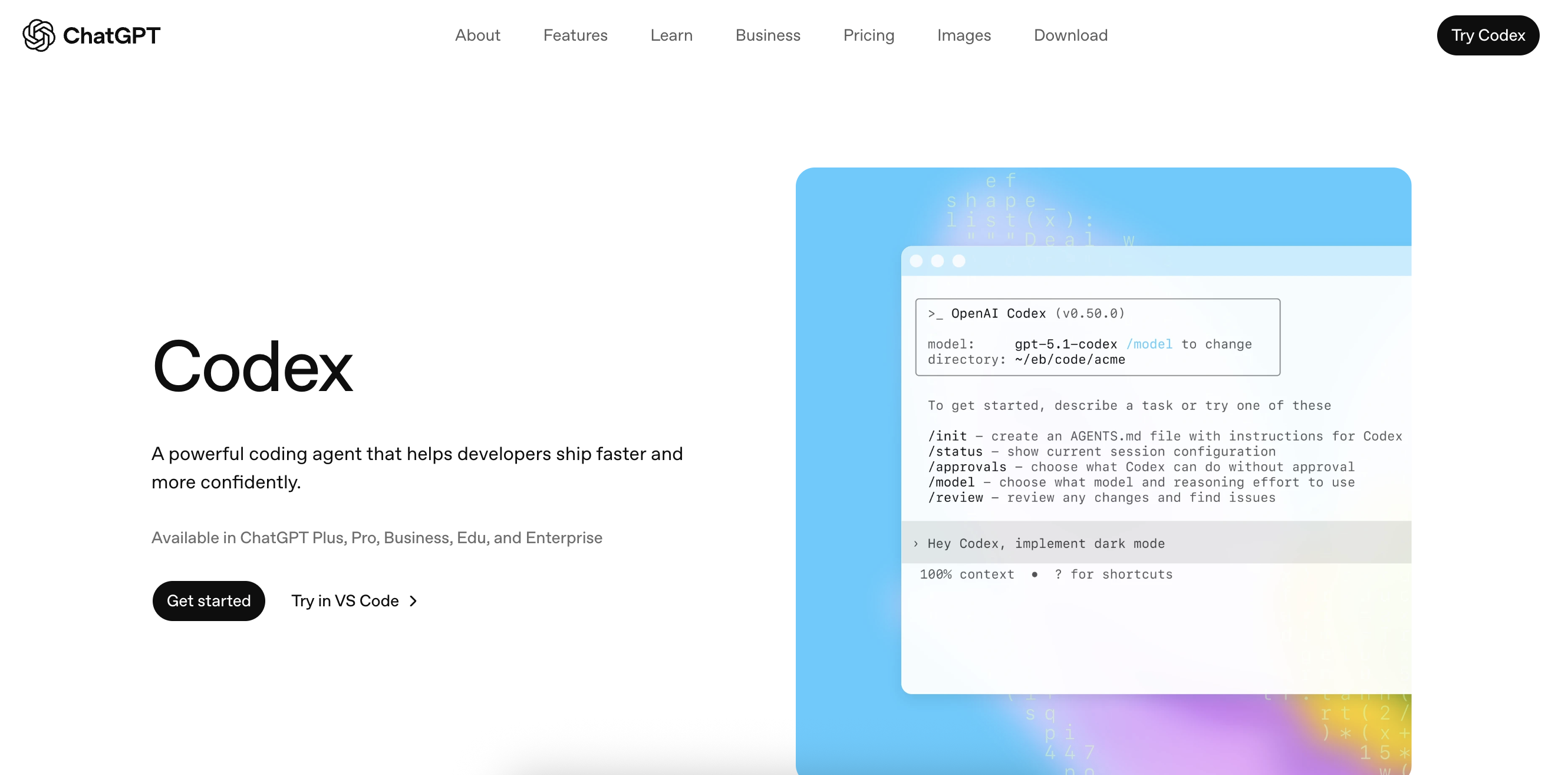
OpenAI Codex is an agent‑based AI coding platform designed for complex software engineering tasks. It goes beyond inline suggestions by managing changes across entire repositories. Codex supports multiple workflows, including the CLI and IDE, as well as other web interfaces, making it adaptable to both individual developers and teams. It places a strong emphasis on autonomous task execution and large‑context reasoning, often assisting with feature development or refactoring while supporting scalable test generation. Across these workflows, developers can maintain control by reviewing edits and tracking their effect on tests within the sandboxed environments.
Watch this walkthrough of an agent-based workflow where developers describe a task in natural language and see how Codex executes changes across multiple files and validation results to give teams visibility and control during large refactors or feature development.:
OpenAI Codex key features:
-
Turn short code samples or plain-English prompts into working modules or small applications without relying on an IDE.
-
Understands and manipulates code at the token and semantic levels, making it effective across different programming languages and syntaxes in ways that editor-dependent assistants cannot.
-
Enables integration with CI/CD pipelines and triggers automated tests, deployments, or code validations directly from AI-driven changes.
-
Plus - $20/month. Includes advanced GPT-5 reasoning, expanded messaging and uploads, deeper research and agent mode, expanded memory and context, projects and custom GPTs, and Codex agent access.
-
Pro - $200/month. Includes GPT-5.2 Pro reasoning, unlimited messages and uploads, maximum deep research and agent mode, maximum memory and context, priority Codex agent, and early research previews (subject to abuse guardrails).
-
Business - $25/user/month, billed annually. Includes a secure shared workspace, unlimited GPT-5.2 usage with access to GPT-5.2 Pro, 60+ app integrations, admin controls with SAML SSO and MFA, compliance support, encryption, no training on business data by default, and access to Codex and ChatGPT agent.
-
Enterprise - Custom pricing. Includes expanded context windows, enterprise-grade security and governance (SCIM, EKM, RBAC), advanced data residency and retention options, 24/7 priority support with SLAs, invoicing, and volume discounts
Note: Codex can also be accessed programmatically via OpenAI’s API, with usage billed separately by tokens and execution, making it suitable for integrating agentic coding workflows into CI/CD pipelines or internal developer tools.
Compare Gemini vs ChatGPT for coding workflows, exploring how each platform supports development across projects and impacts real-world use cases in our in-depth guide.
Claude code alternatives FAQs
What are the best alternatives to Claude Code?
The best Claude Code alternatives include Gemini CLI, Cline, Aider, GitHub Copilot, Cursor, Replit, Windsurf, Amazon Q Developer, Continue.dev, and OpenAI Codex. Each option targets a different type of workflow, ranging from terminal-first AI coding assistants and Git-native tools to IDE-integrated AI pair programming platforms, browser-based development environments, and autonomous coding agents.
Are AI code assistants worth using?
Yes, modern AI code assistants can significantly improve developer productivity when used appropriately. Beyond basic code completion, many tools now support test generation and documentation along with repository-wide changes, and even autonomous task execution. It enables developers to focus more on architecture and decision-making rather than repetitive implementation work.
Which AI coding tools support my IDE?
IDE support varies by tool. GitHub Copilot, Cursor, Continue.dev, and Replit offer editor-native experiences, with Replit providing a fully browser-based IDE that includes built-in AI assistance. Claude Code, Gemini CLI, Cline, and Aider focus on terminal-based workflows. OpenAI Codex and Amazon Q Developer support both IDE and CLI-based usage, depending on configuration.
How do AI coding tools differ in pricing?
AI coding tools typically offer either subscription-based pricing (monthly or per-seat plans) or usage-based pricing (per request, token, or credit). Subscription plans, such as for GitHub Copilot, Cursor, Replit, and Claude Code, offer predictable costs. In contrast, usage-based models, such as the Gemini CLI or the OpenAI Codex API, offer flexibility for handling variable workloads and enabling large-scale automation.
Is Codex or Claude Code better?
Neither tool is universally better; it depends on workflow needs. Claude Code is well-suited for terminal-first developers who want fast, prompt-driven assistance within Git-centric workflows. In contrast, OpenAI Codex is designed for more autonomous, multi-step task execution across large repositories, supporting workflows that utilize CLI, IDE, browser, and API-based interfaces. Replit, by comparison, is better suited for developers who prefer an all-in-one, browser-based environment with built-in AI assistance and instant execution.
Accelerate your AI projects with DigitalOcean Gradient™ AI Droplets
Unlock the power of GPUs for your AI and machine learning projects. DigitalOcean GPU Droplets offer on-demand access to high-performance computing resources, enabling developers, startups, and innovators to train models, process large datasets, and scale AI projects without complexity or upfront investments.
Key features:
-
Flexible configurations from single-GPU to 8-GPU setups
-
Pre-installed Python and Deep Learning software packages
-
High-performance local boot and scratch disks included
Sign up today and unlock the possibilities of GPU Droplets. For custom solutions, larger GPU allocations, or reserved instances, contact our sales team to learn how DigitalOcean can power your most demanding AI/ML workloads.
*This “best for” information reflects an opinion based solely on publicly available third-party commentary and user experiences shared in public forums. It does not constitute verified facts, comprehensive data, or a definitive assessment of the service.
Any references to third-party companies, trademarks, or logos in this document are for informational purposes only and do not imply any affiliation with, sponsorship by, or endorsement of those third parties.
About the author

Surbhi is a Technical Writer at DigitalOcean with over 5 years of expertise in cloud computing, artificial intelligence, and machine learning documentation. She blends her writing skills with technical knowledge to create accessible guides that help emerging technologists master complex concepts.
Start building today
From GPU-powered inference and Kubernetes to managed databases and storage, get everything you need to build, scale, and deploy intelligent applications.